Build the place
where everything
comes together.
Tasking Studio designs websites, landing pages and digital experiences around what your audience needs to understand, find and do next.
A website should help people understand what matters and know what to do next.
If those answers are unclear, better decoration won't solve the problem.
Good digital design starts with what needs to happen.
The business has goals. The visitor has questions. The website has to connect the two.
Structure comes before polish.
From the structure
to the final screen.
Tasking Studio can support the full visual and experience layer of a website or digital project, from early structure through responsive design.
Website Design
Create websites that organize information clearly, communicate the brand and guide visitors toward meaningful actions.
Landing Pages
Create focused pages designed around one campaign, offer, audience or conversion goal.
UX / UI Design
Organize content, actions and interface elements so digital experiences feel easier to understand and use.
The interface should make the next step feel obvious.
Figma Design
Create organized, reusable design systems and screen specifications that can move efficiently into development.
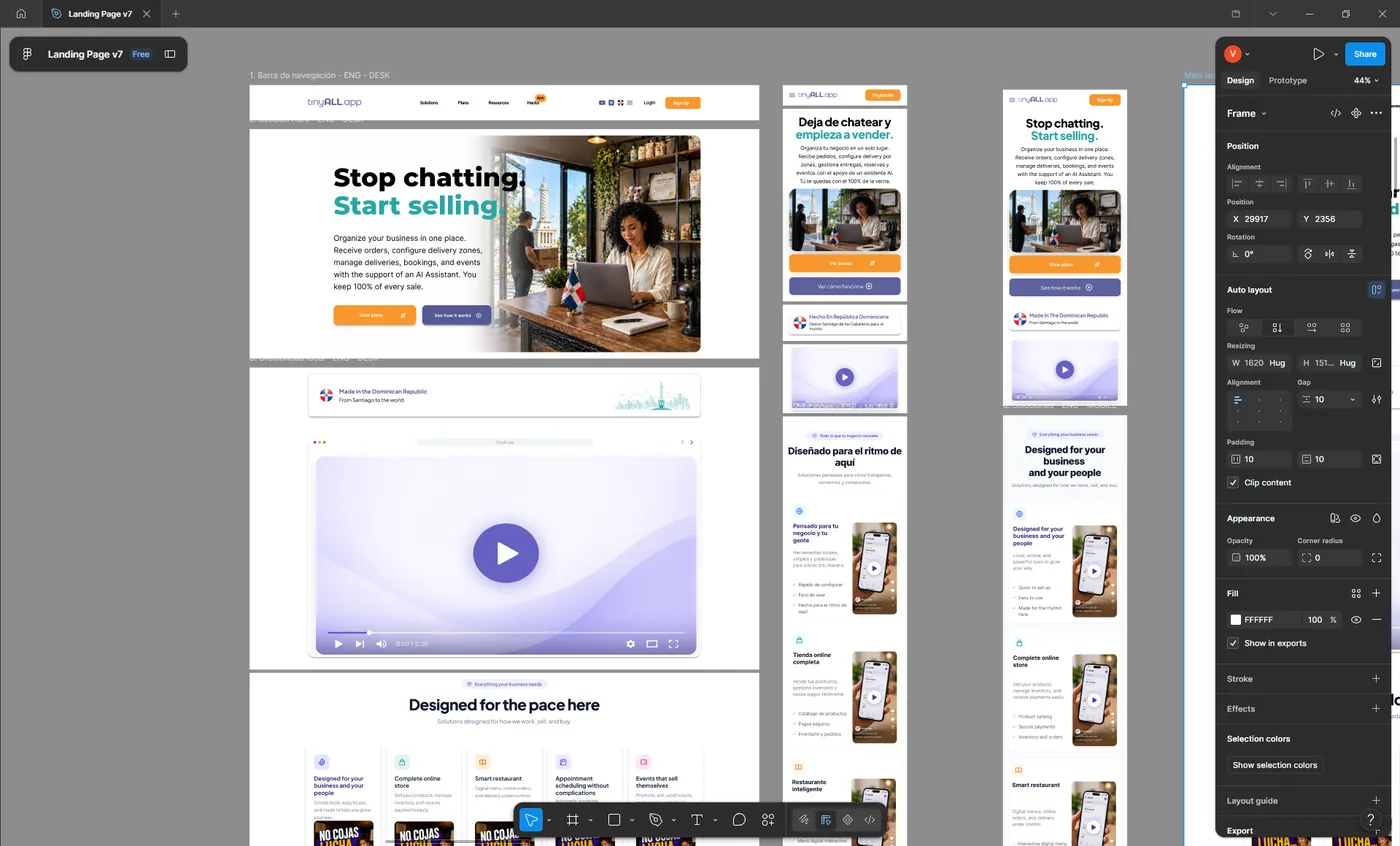
Responsive Design
Design intentionally for different screen sizes instead of treating mobile as a smaller desktop.
Digital Design Systems
Create reusable components and visual rules so the digital experience stays consistent as more pages and features are added.
A system makes future screens easier to design and easier to maintain.
Content Structure
Organize messaging and information so visitors can quickly understand the business and find what matters to them.
This capability focuses on structure and communication, not simply visual layout.
Digital Creative Assets
Create the supporting visual materials needed to make the site feel complete and on-brand.
Understand.
Structure.
Design.
Test.
We learn the audience, goals, services, content and actions the site needs to support.
We define page structure, navigation, information hierarchy and user flow.
We establish layout and priority before focusing on visual polish.
Brand, typography, imagery, content and interface design come together.
Desktop, tablet and mobile are refined as intentional experiences.
We review hierarchy, usability, consistency, content and responsive behavior.
Design files, components and behavior should be organized clearly enough for implementation.
A strong interface starts long before the final pixels.
People shouldn't have to study your website to understand your business.
Information architecture determines how pages, sections and content connect so visitors can find what matters without unnecessary friction.
Organize the information before asking people to navigate it.
Mobile needs
its own decisions.
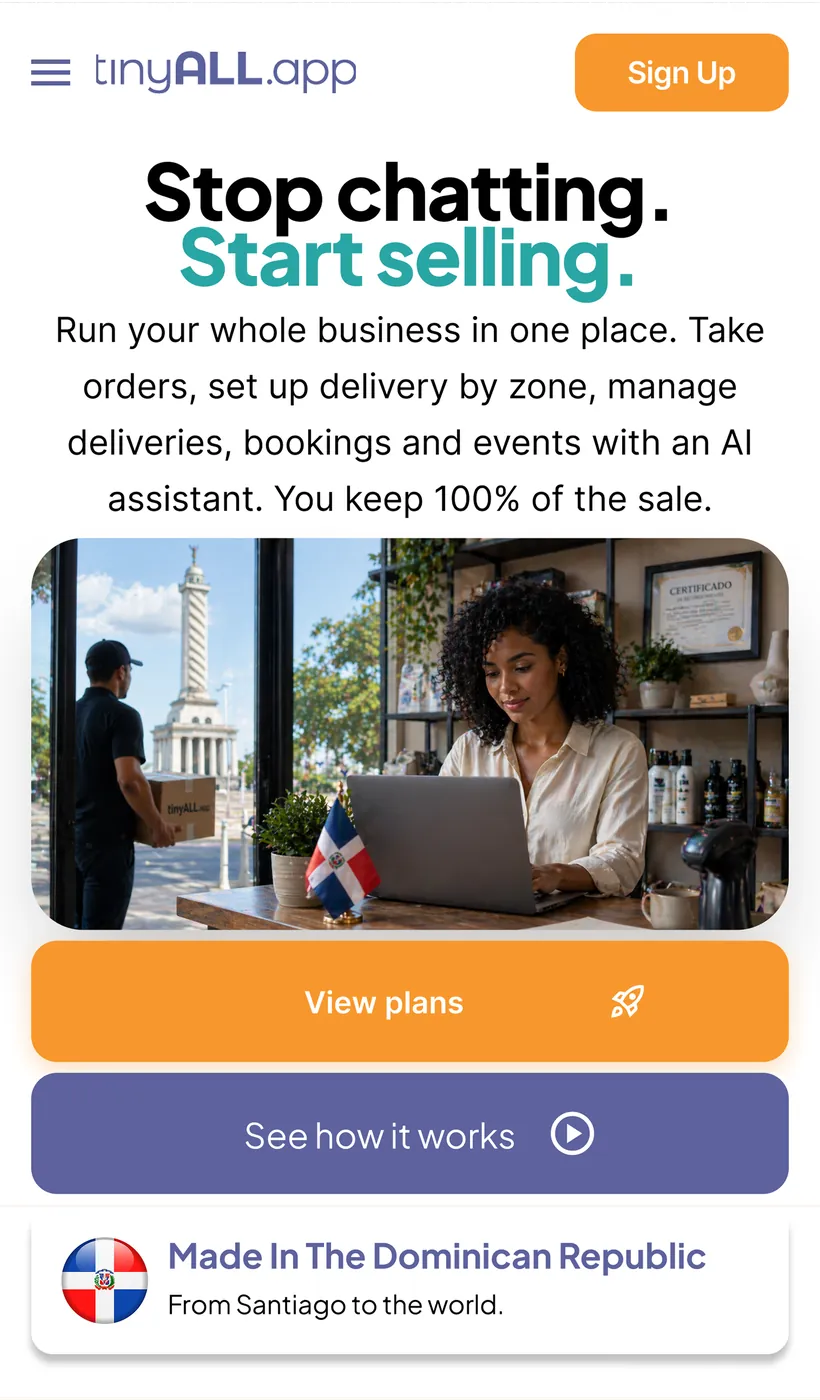
Smaller screens change how people scan, tap, read and navigate. Good responsive design preserves the message and hierarchy while adapting the experience to the device.
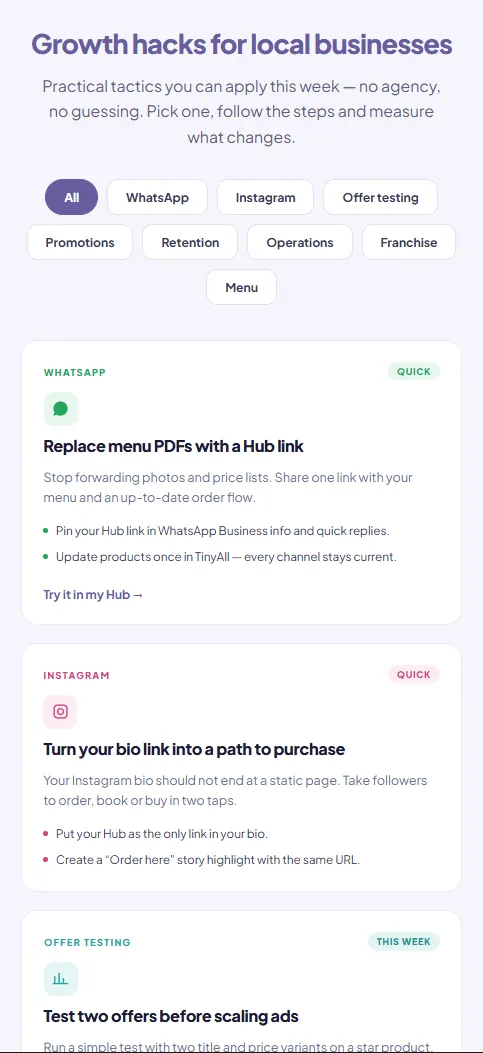
Same message. Different composition.
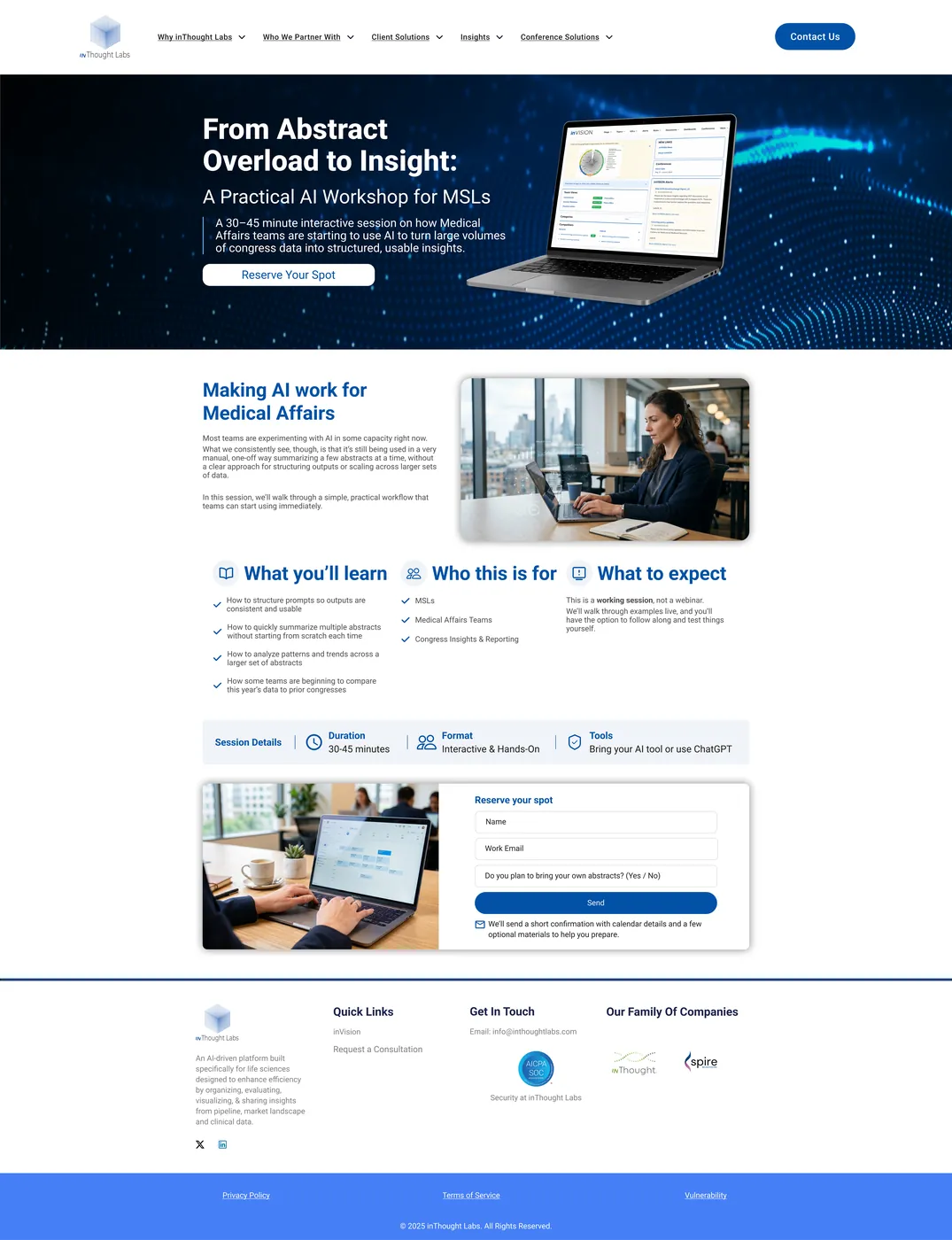
The campaign needs somewhere useful to land.
An ad can earn the click, but the landing page has to continue the message, explain the offer and make the next action easy.
A website can be the beginning of a workflow.
Forms, lead capture and customer actions can connect directly to CRM, email, internal notifications and follow-up processes.
A beautiful page can't rescue an unclear message.
Headlines, explanations, visuals, proof and calls to action all shape how a page works. That's why content structure and design should develop together.
Words and design share the same job: help people understand.
The website should feel like the same business as everything around it.
Typography, color, photography, graphics and interaction should extend the brand rather than creating a separate digital personality.
Explore Graphic Design →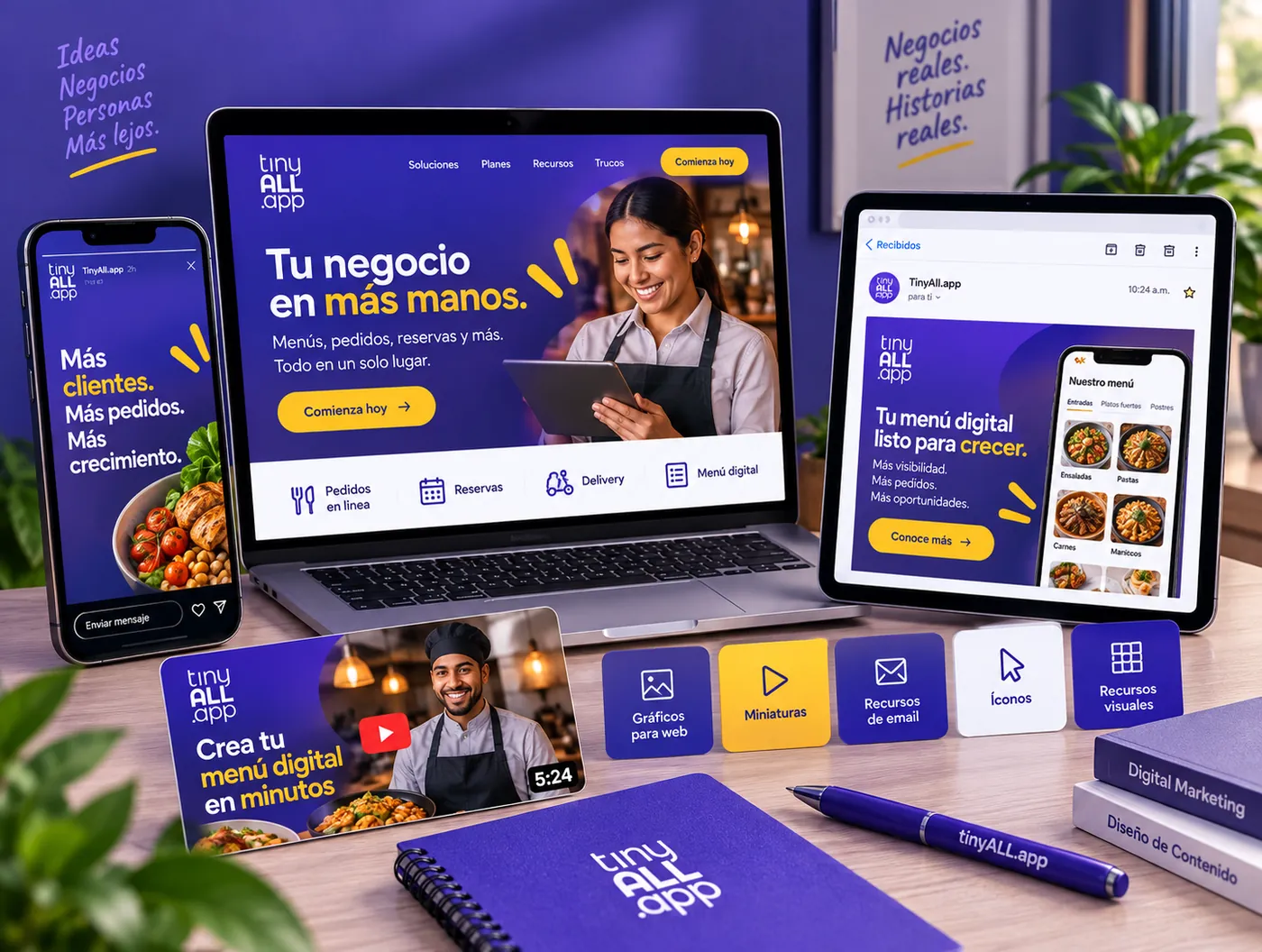
Different business goals
need different digital experiences.
“We need a website that explains what we do clearly and looks like the business we want to become.”
Build the foundation around what customers need to understand.
“We already have a website, but this campaign needs a focused destination.”
Give one campaign one clear path to action.
“Our website exists, but the information and experience no longer reflect the business.”
Improve the experience without losing what is already valuable.
“We need screens for a digital product or internal experience.”
Turn complex functionality into an interface people can navigate.
TinyAll.app
A landing page system built around one clear product story.
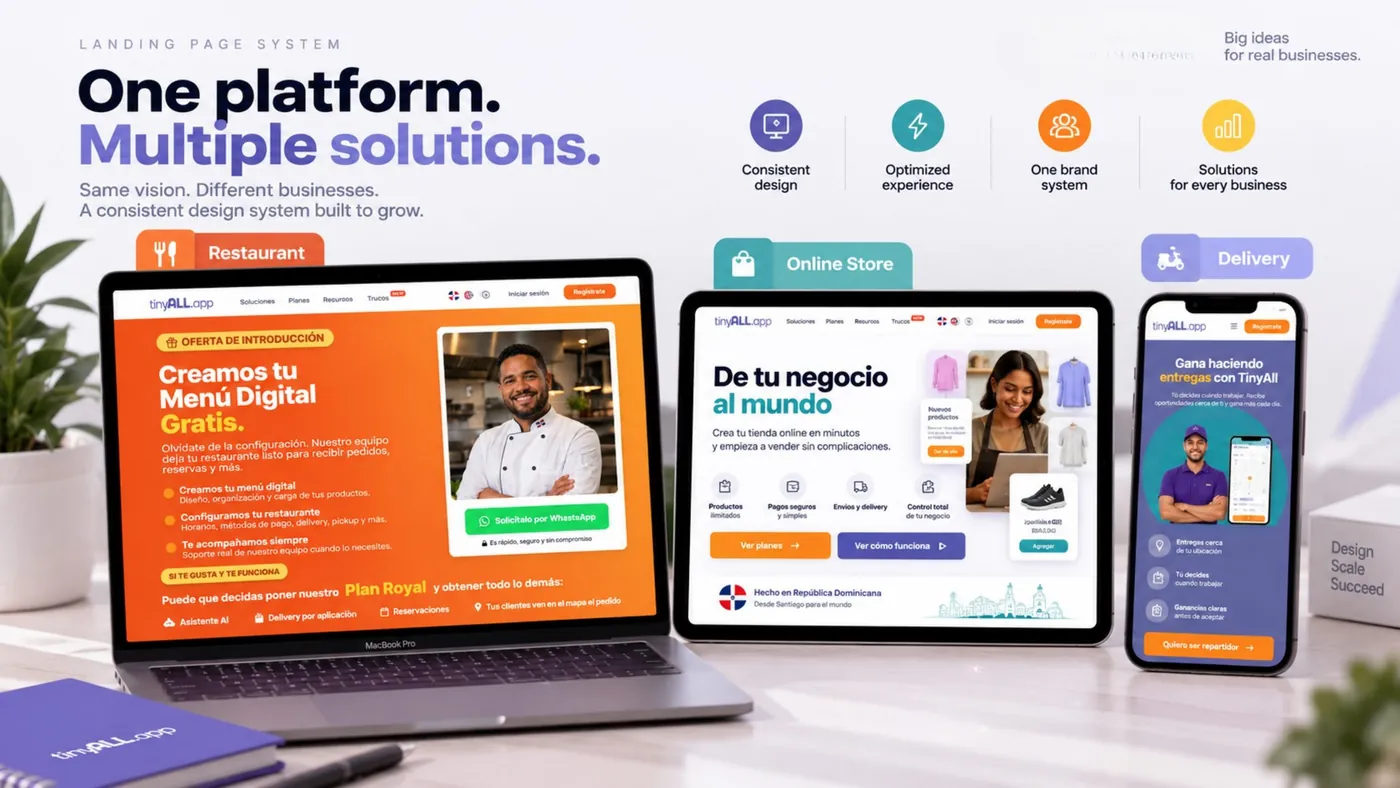
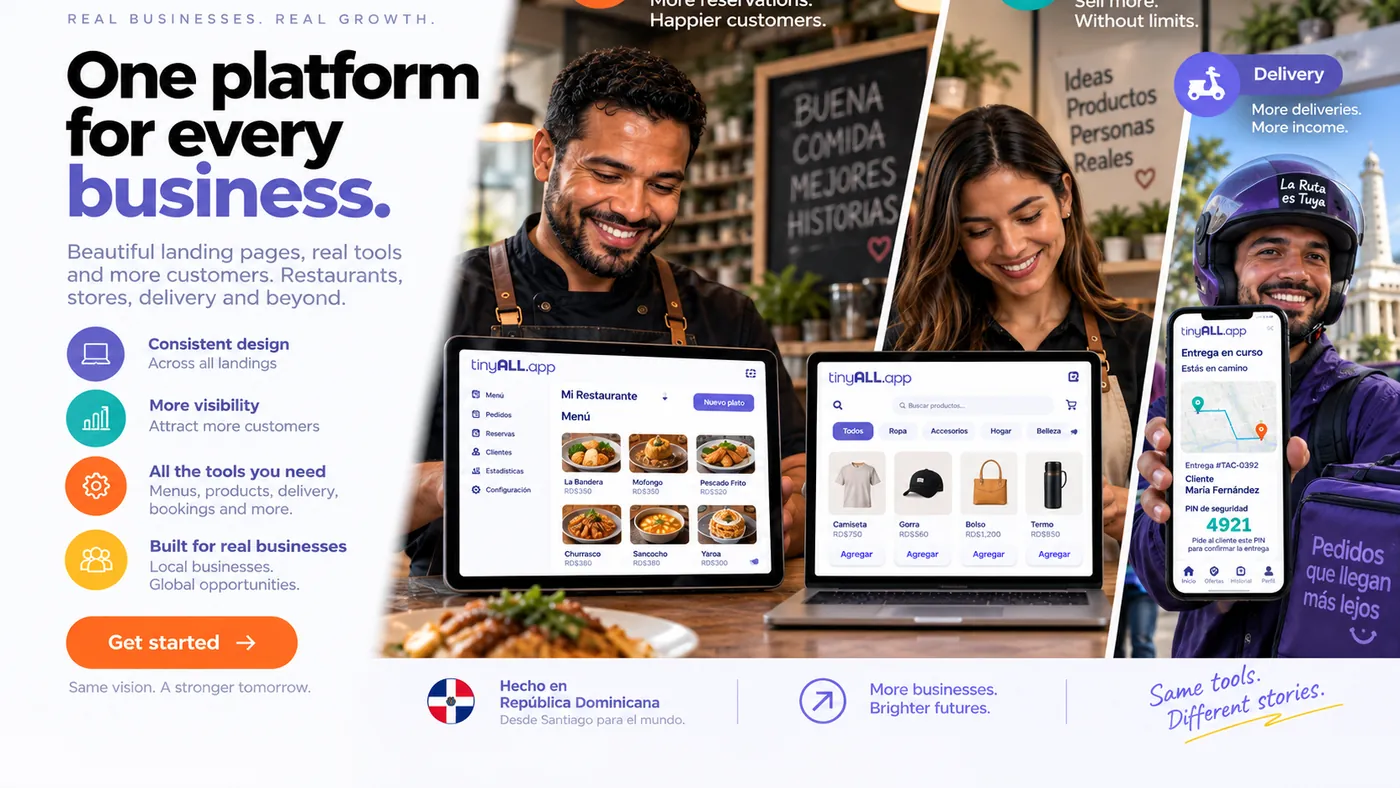
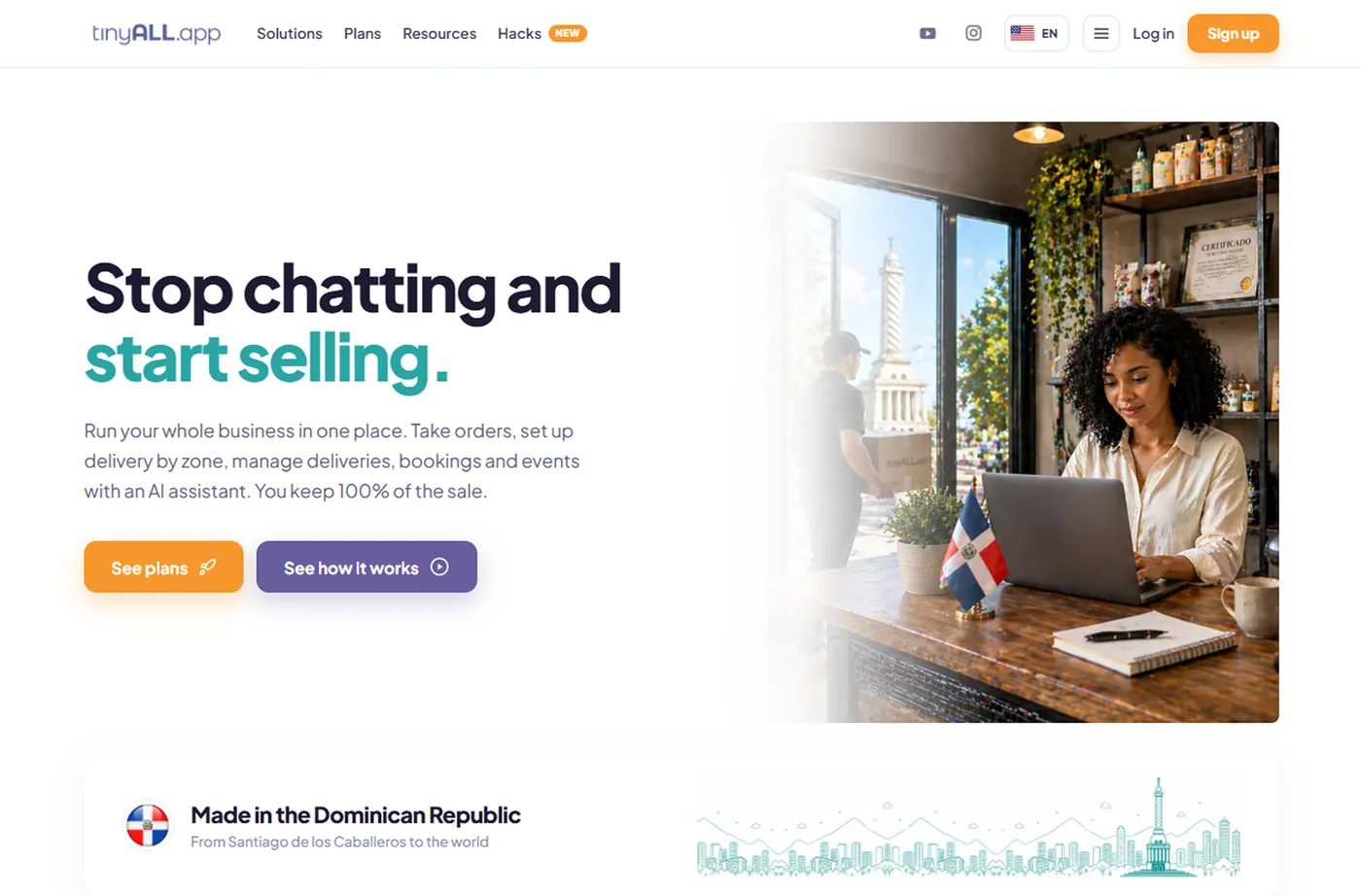
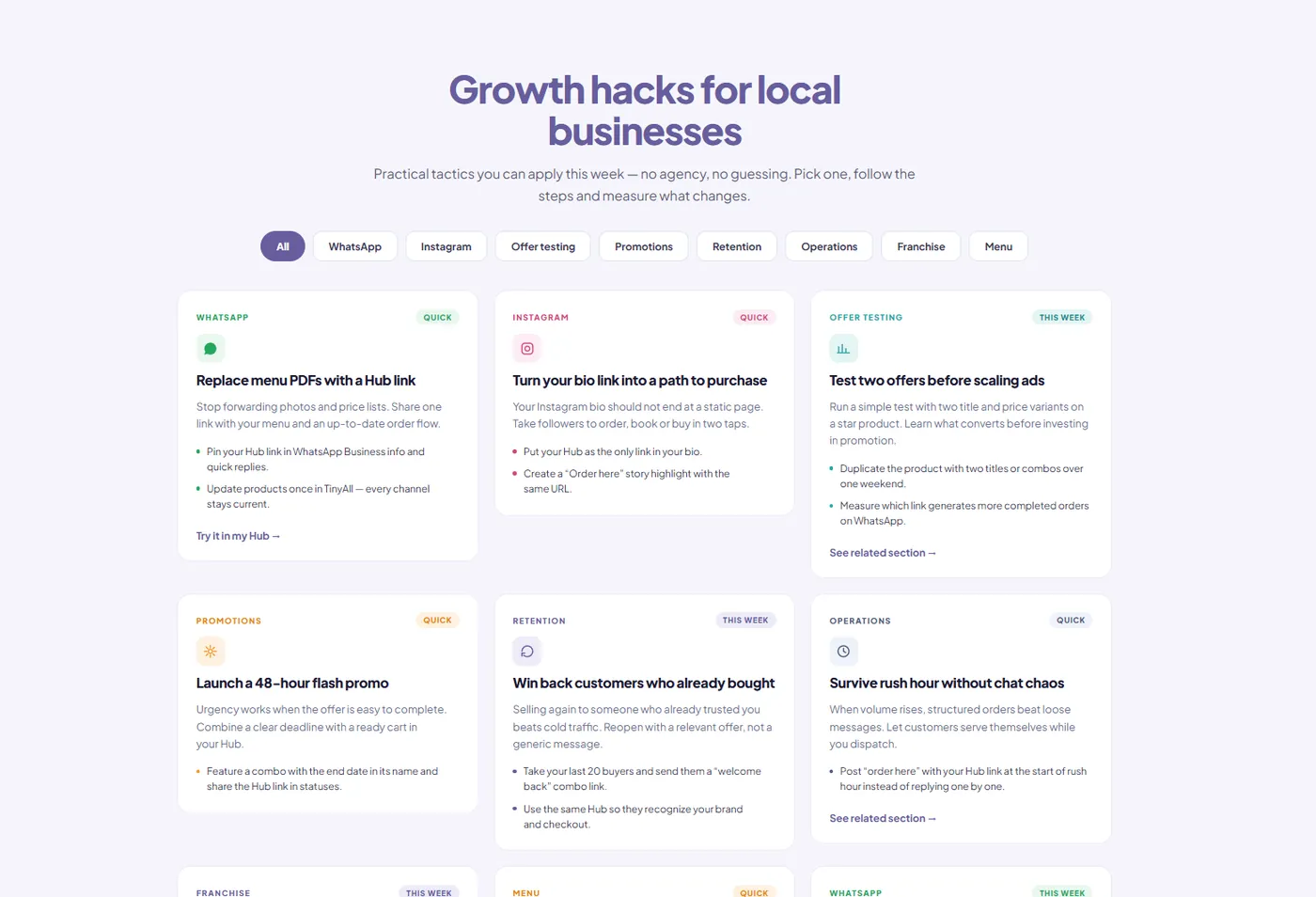
TinyAll.app needed a web presence that could explain one product to very different kinds of businesses — restaurants, online stores and delivery services — without turning into three separate sites.
The landing page was organized as a system: one shared structure — product story, use case, proof, action — with a variation per business type, so each audience sees itself without the page losing its shape.
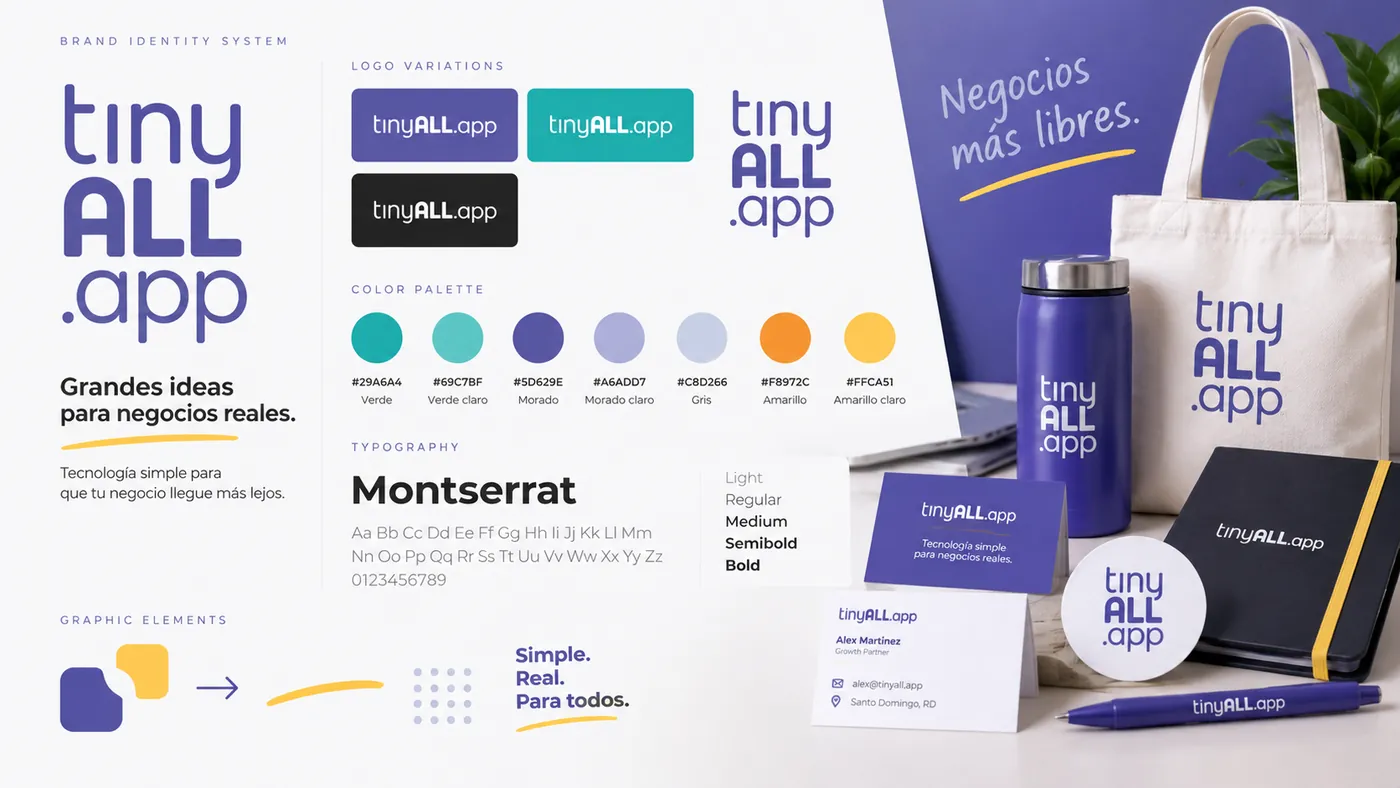
The interface reuses the brand system: Montserrat for type, a fixed palette and a set of graphic elements that repeat across sections, so every new block already has a defined look.
Brand identity, landing page design, the reusable page system and the campaign and social applications built from it.
The project delivered a complete, consistent visual system — identity, landing page and campaign material all reading as the same brand, with templates the team can keep building on.
The details have to survive
the real screen.
A digital experience should be reviewed across screen sizes, content states and interactions so the final implementation matches the intended hierarchy and behavior.
A screen isn't finished just because it looks right at one size.
Different skills
behind one experience.
Web projects can bring together structure, UX/UI, graphic design, content, marketing, QA and implementation thinking.




Need the full experience
or just one missing piece?
Tasking helps plan and design the entire experience.
Your team has the product or structure. Tasking handles interface design.
Tasking designs focused campaign or conversion pages.
Tasking supports components, screens and responsive design production.
Tasking helps review implementation against the intended design.
Use the digital support the project actually needs.
Make it clear.
Make it usable.
Make the next step obvious.
Strong digital design connects business goals, content and user needs in an experience that feels intentional from the first screen to the final action.
Don't just design the page.
Design what happens next.
Structure it.
Design it.
Adapt it.
Make it work.
One connected digital experience.
What are you
trying to build?
Tell us whether you need a website, landing page, interface, redesign or additional digital design support. We'll help define what the experience needs from there.