Design that helps
people understand
who you are.
Tasking Studio creates visual systems and creative assets that help businesses communicate clearly and stay recognizable across every place the brand appears.
Good design helps
the message land.
The visual is part of the message.
People make decisions quickly.
Design helps answer those questions before anyone reads every word.
A brand needs more
than a logo.
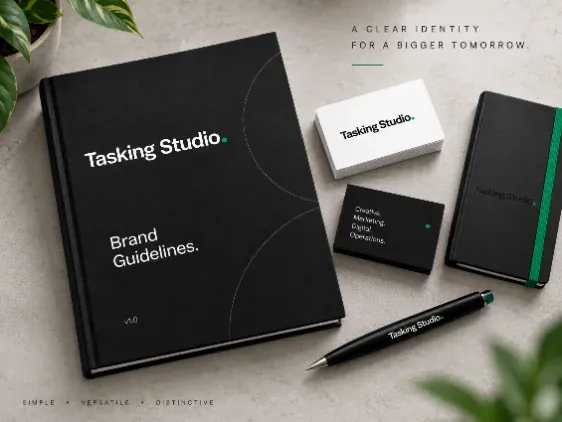
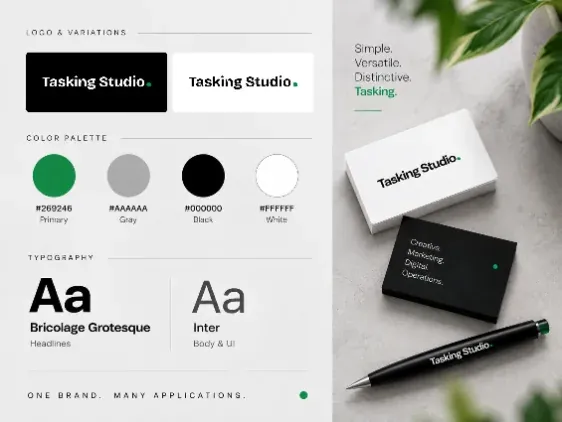
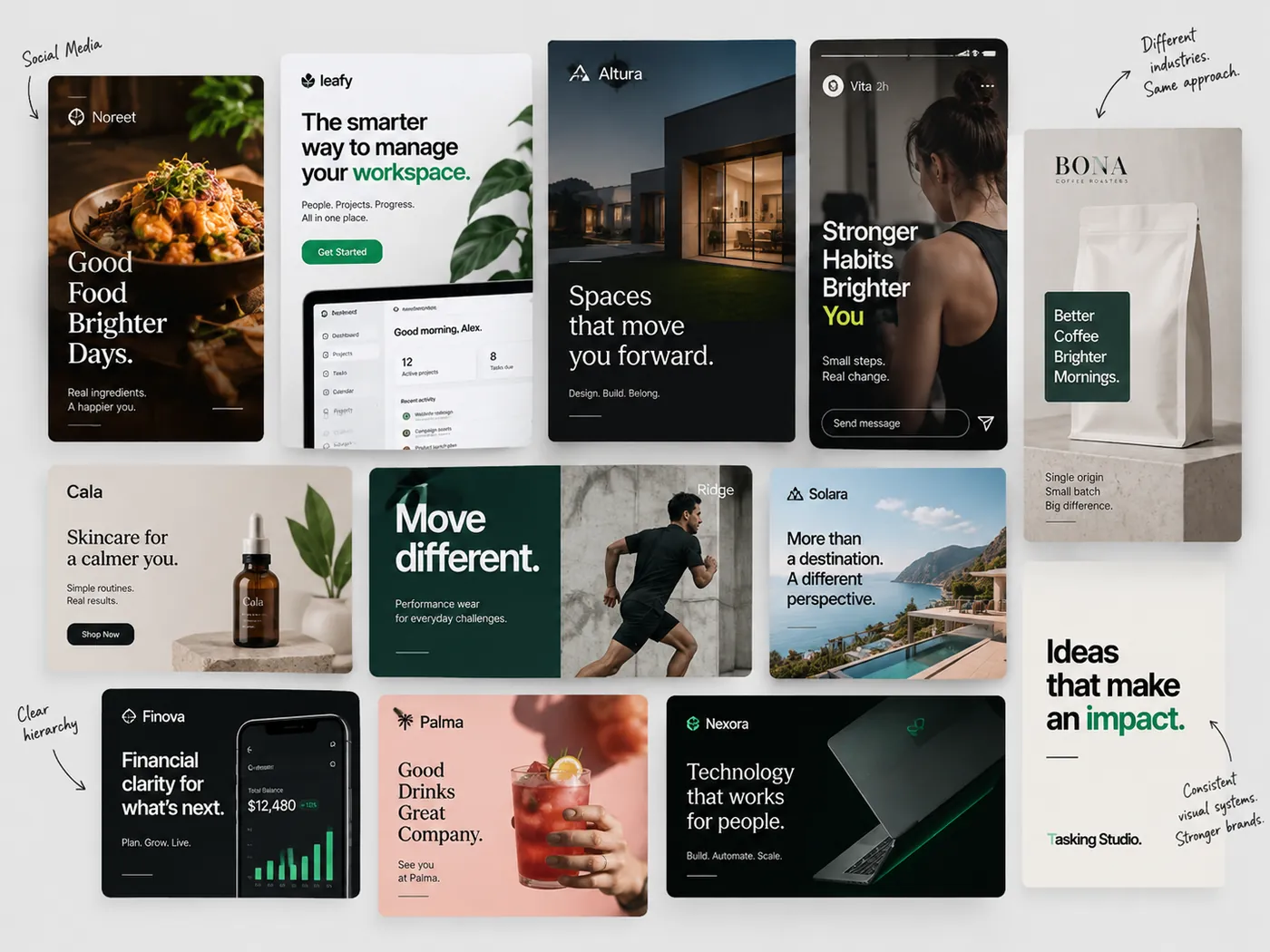
A useful visual identity gives the business a consistent language for color, typography, imagery, layout and composition — so new work can feel connected without looking identical.
How the brand uses primary, secondary and accent colors.
How type creates hierarchy and personality.
Photography, illustration and visual treatment.
How layouts feel recognizably part of the same system.
Shapes, patterns, icons and supporting visual devices.
How the visual style should feel.
The system makes consistency easier to maintain.
From the identity
to everything built around it.
Tasking Studio can help define the visual direction and produce the ongoing design work a business needs across different channels.
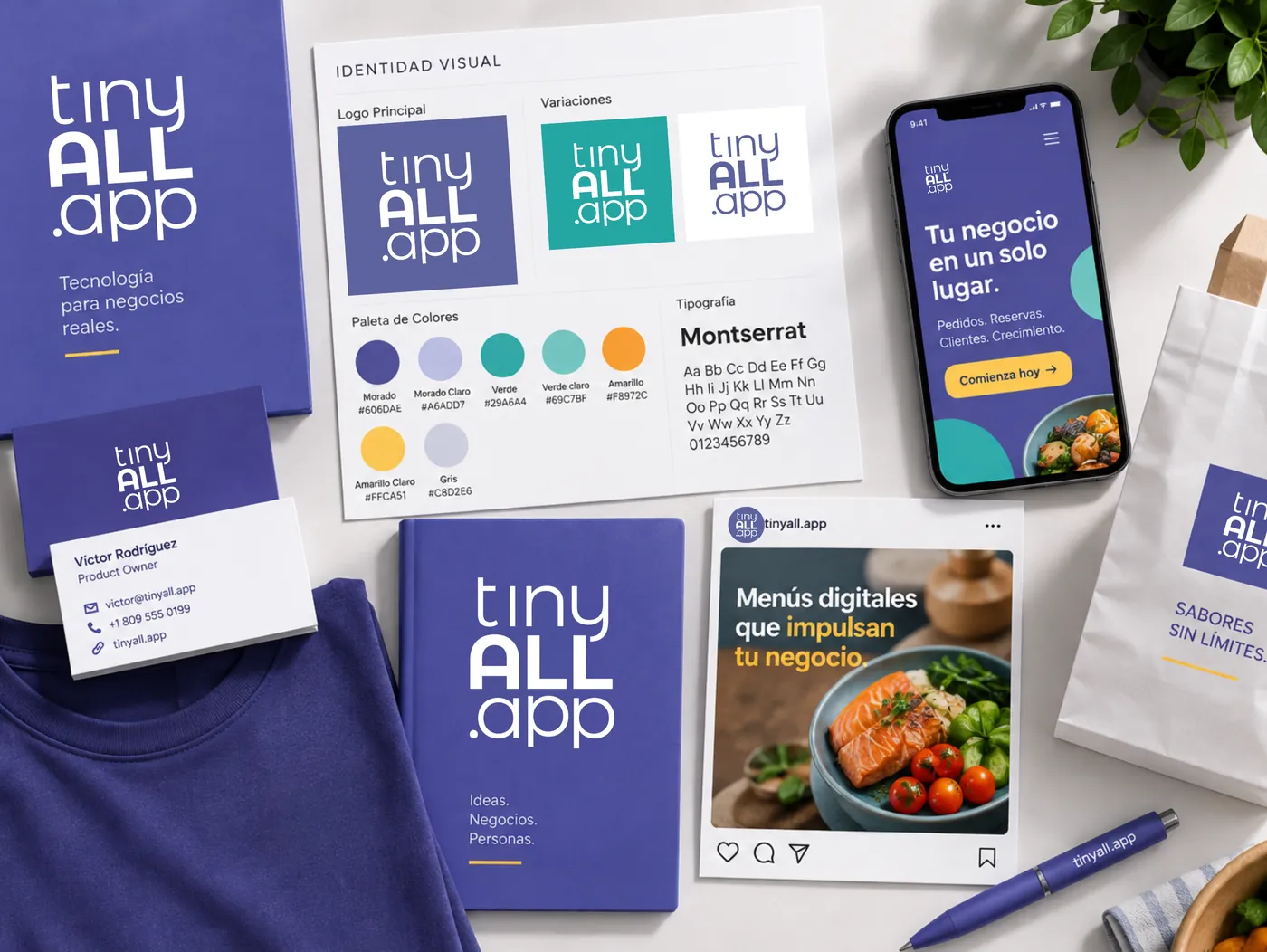
Brand Identity
Build the visual foundation that makes the business recognizable and gives future design work a clear direction.
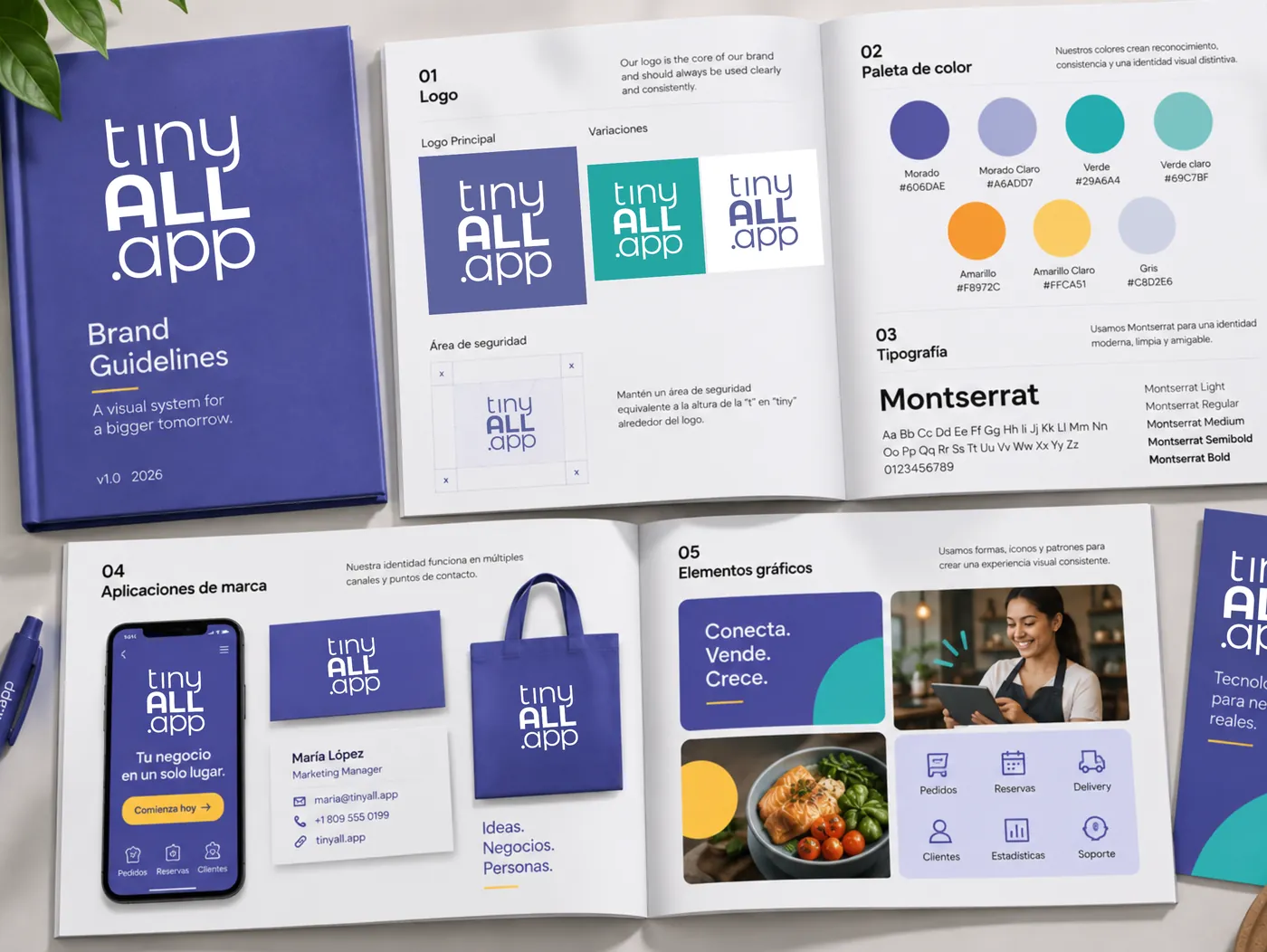
Brand Guidelines
Document how the visual identity should be used so different people can create consistent work over time.
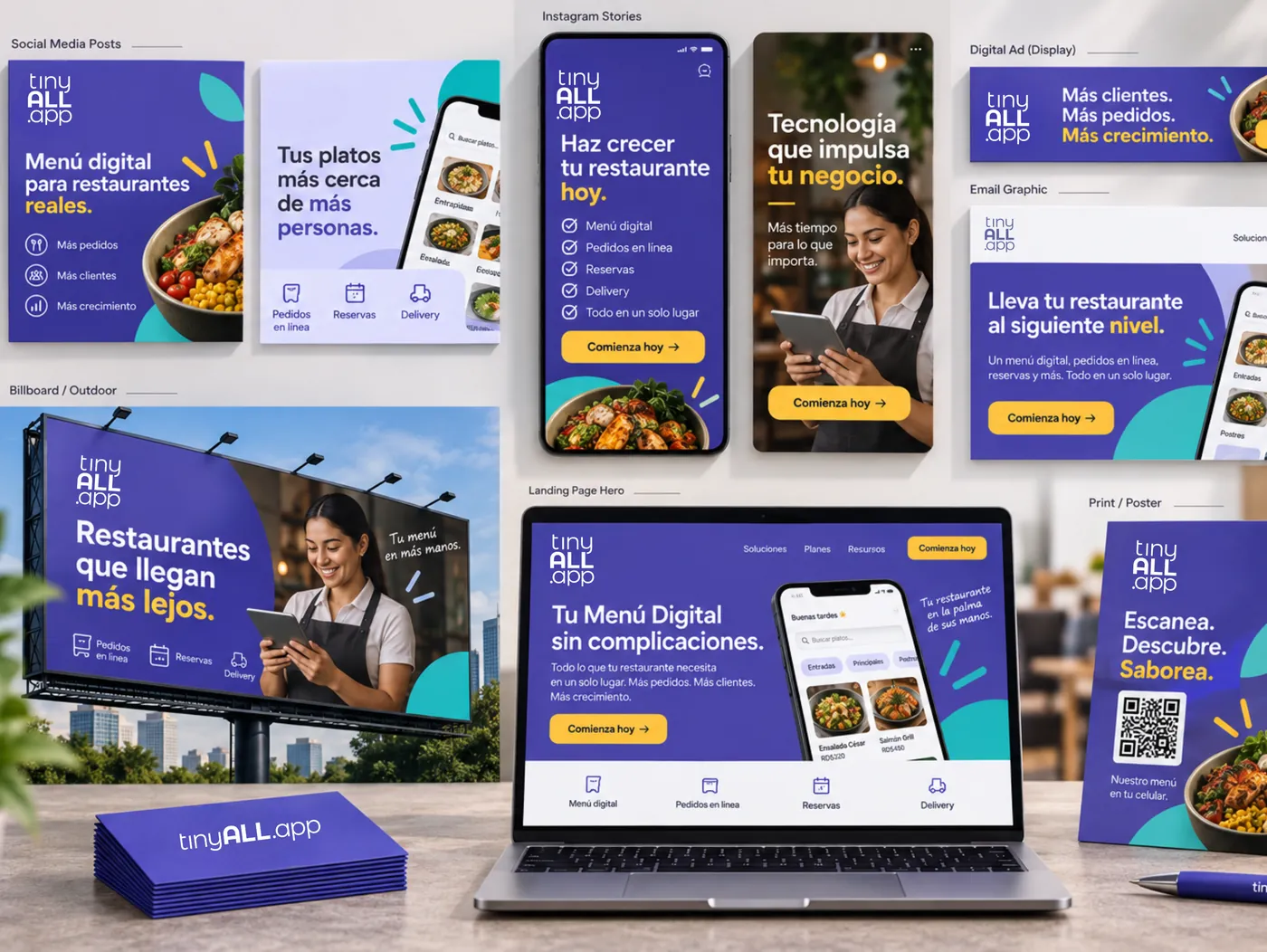
Campaign Design
Translate one campaign idea into a connected visual system that can work across multiple placements and formats.
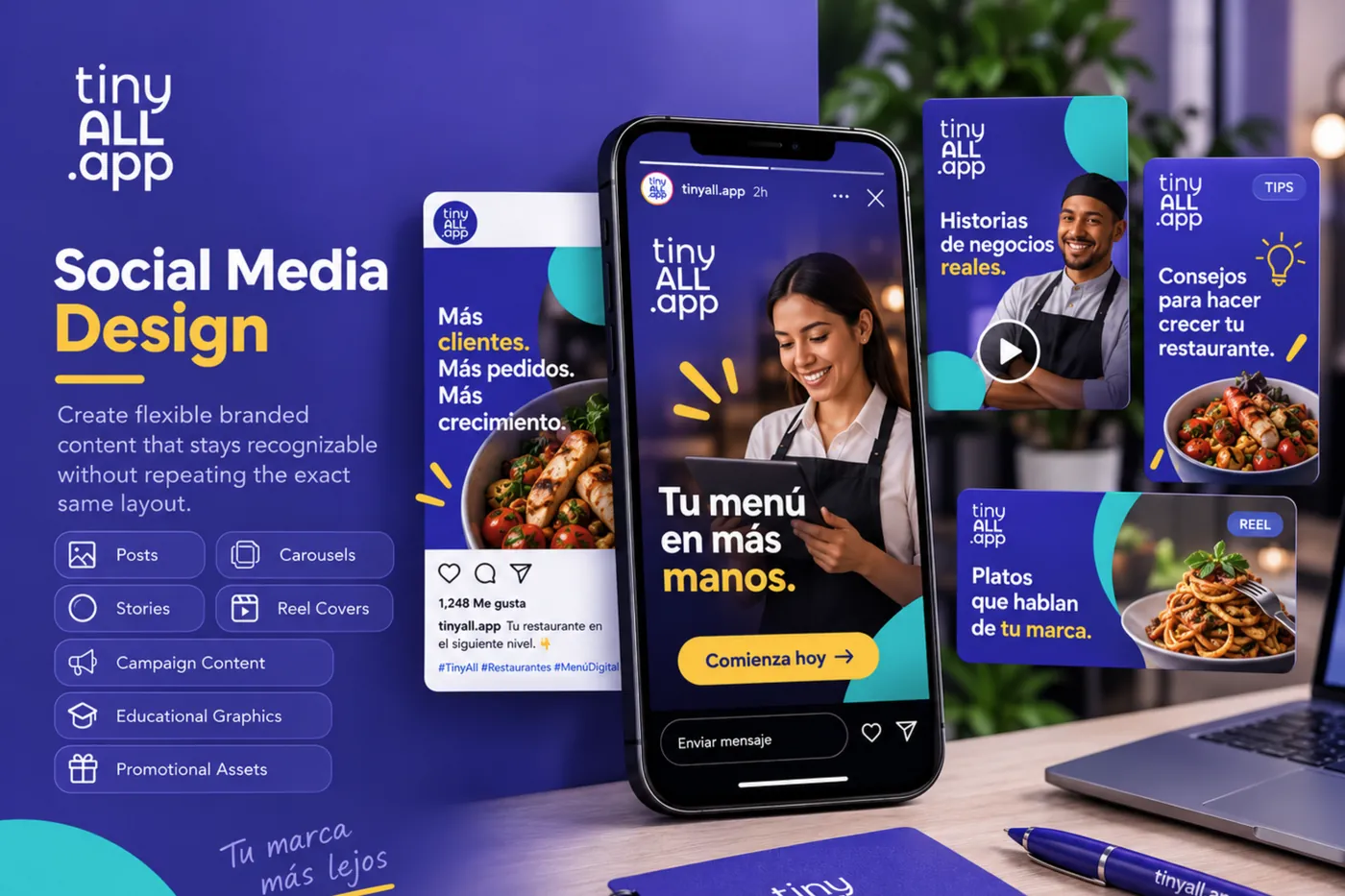
Social Media Design
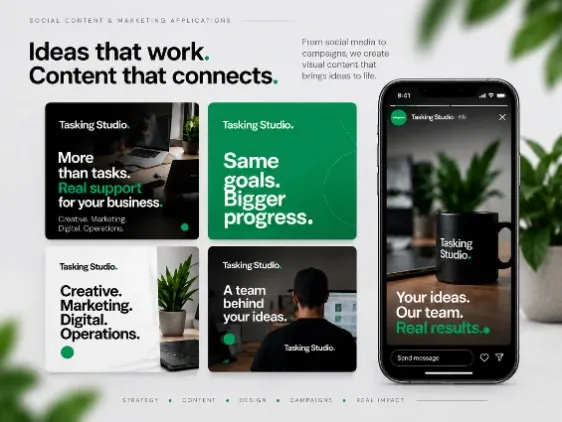
Create flexible branded content that stays recognizable without repeating the exact same layout.
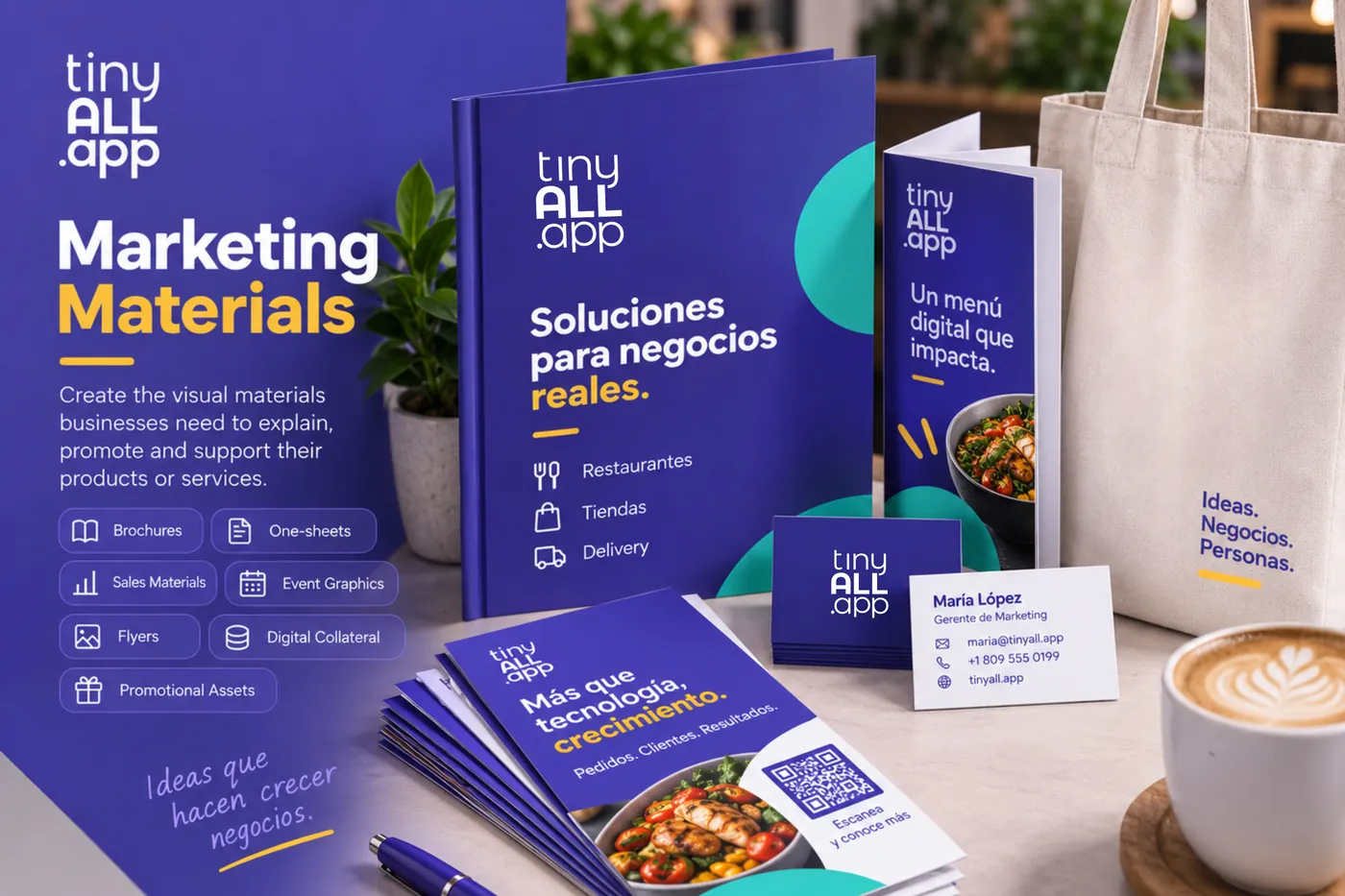
Marketing Materials
Create the visual materials businesses need to explain, promote and support their products or services.
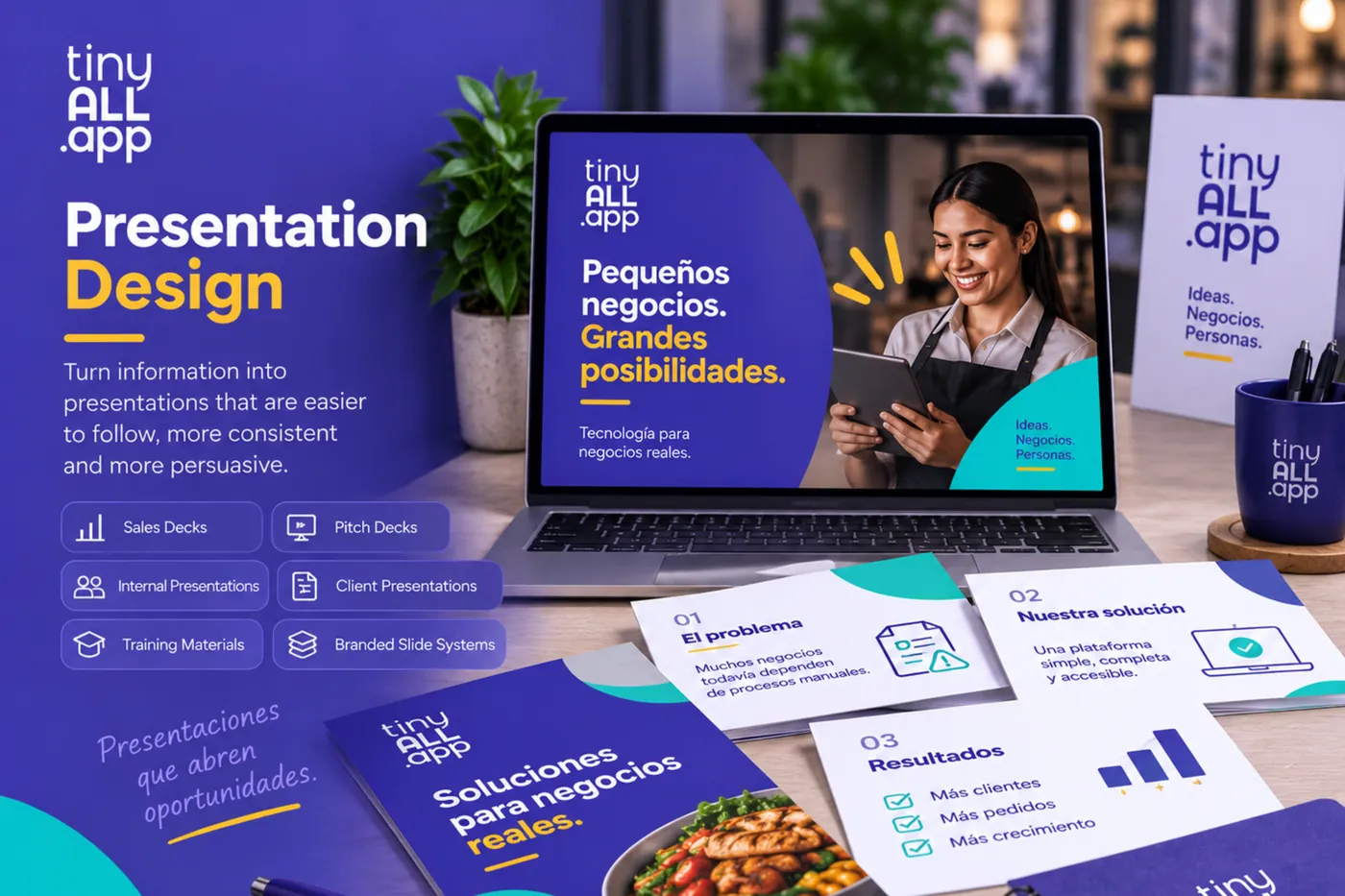
Presentation Design
Turn information into presentations that are easier to follow, more consistent and more persuasive.
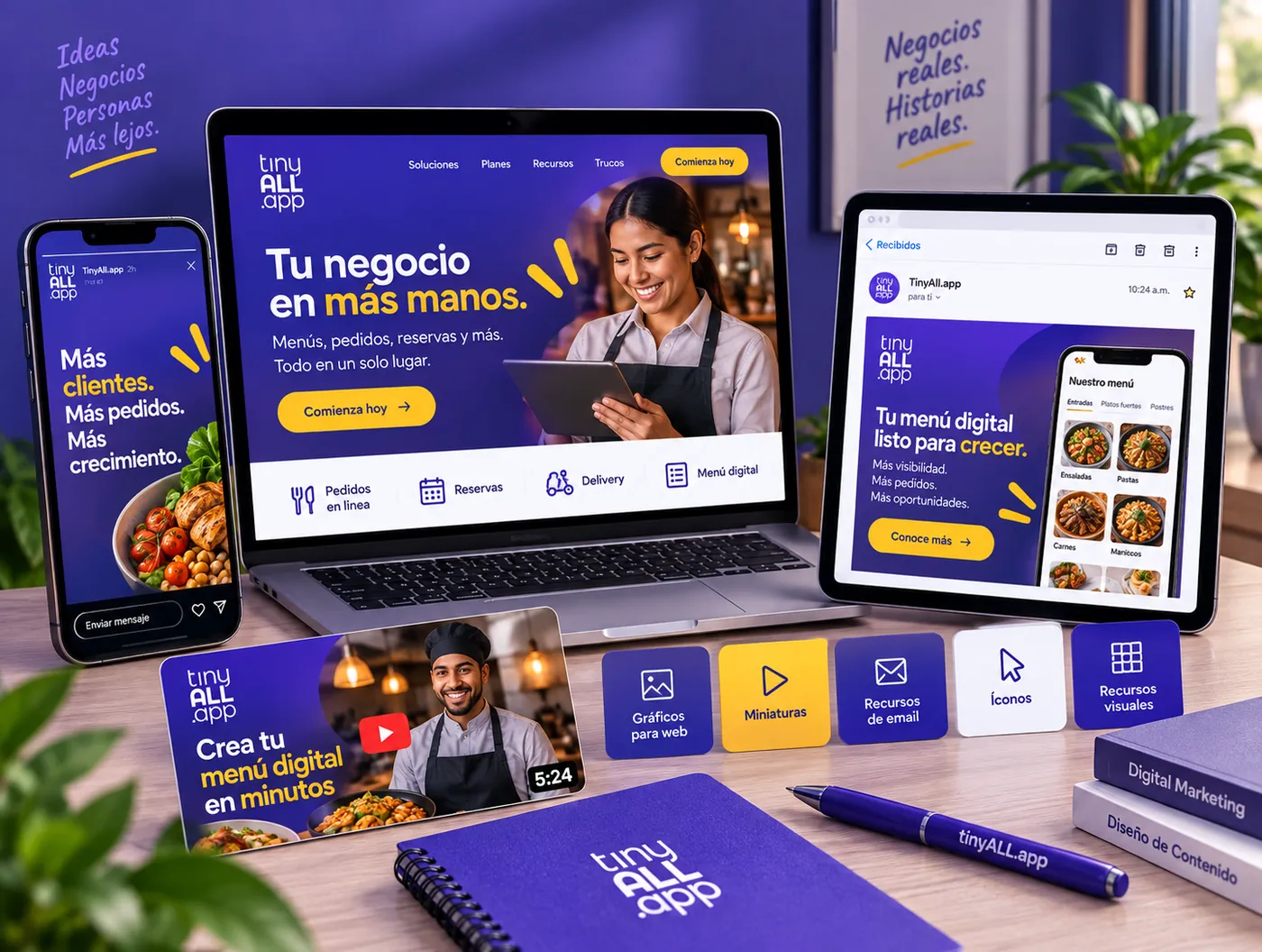
Digital Assets
Create supporting graphics for websites, landing pages, email, video and other digital experiences.
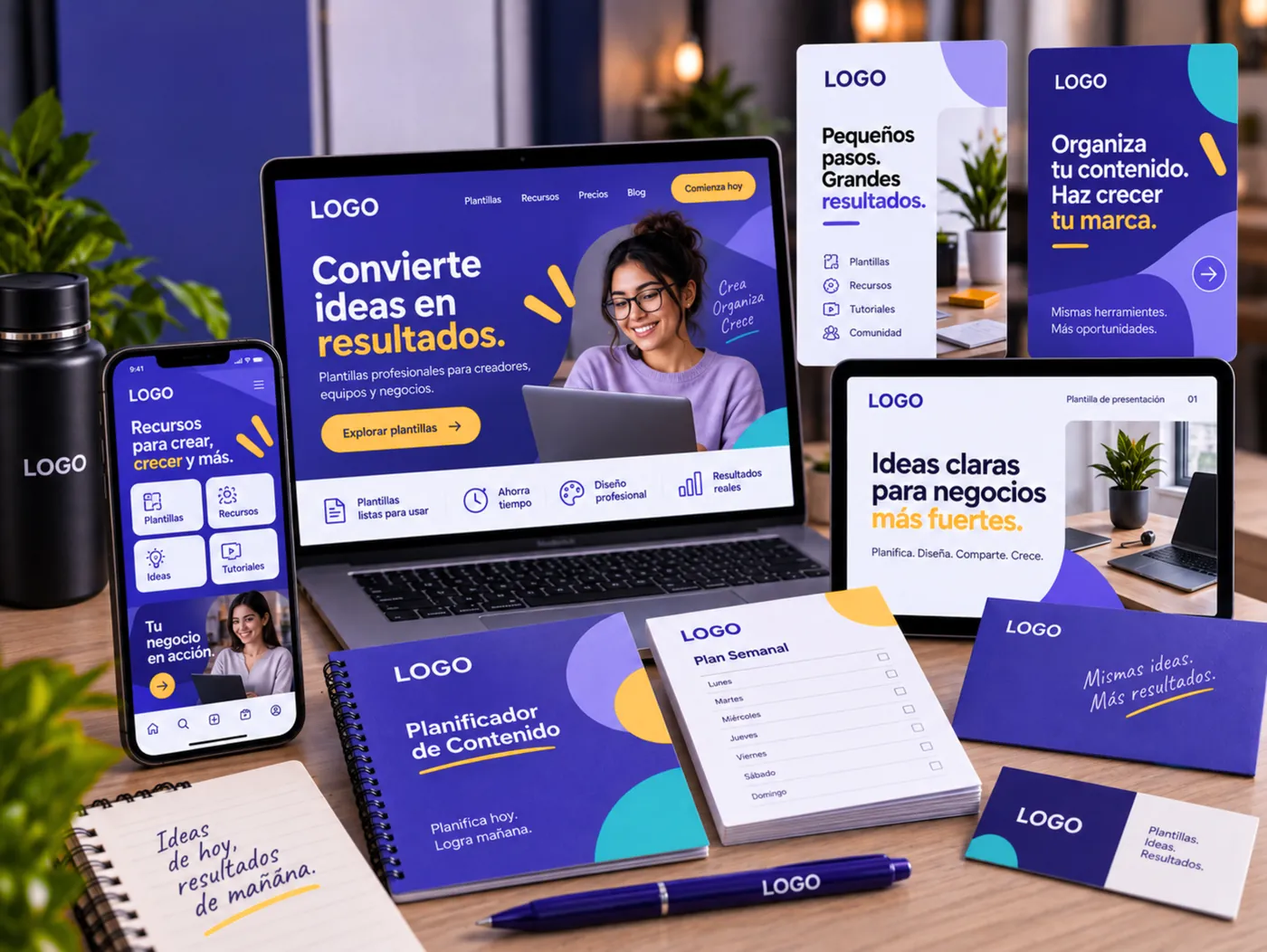
Templates & Repeatable Systems
Create flexible systems that make recurring design easier while keeping the brand consistent.
A template should make production faster without making every piece feel the same.
Understand first.
Design second.
We learn the business, audience, objective and context around the work.
We establish the visual direction, references and design principles.
We develop the core visual language and necessary components.
We expand the design across the required formats and applications.
We check hierarchy, readability, branding, accuracy and overall quality.
We adjust the work based on feedback and how it performs in context.
Design the system. Then make the system useful.
A brand should feel recognizable without looking copied and pasted.
Consistency comes from shared visual rules — not from forcing every asset into the same template.
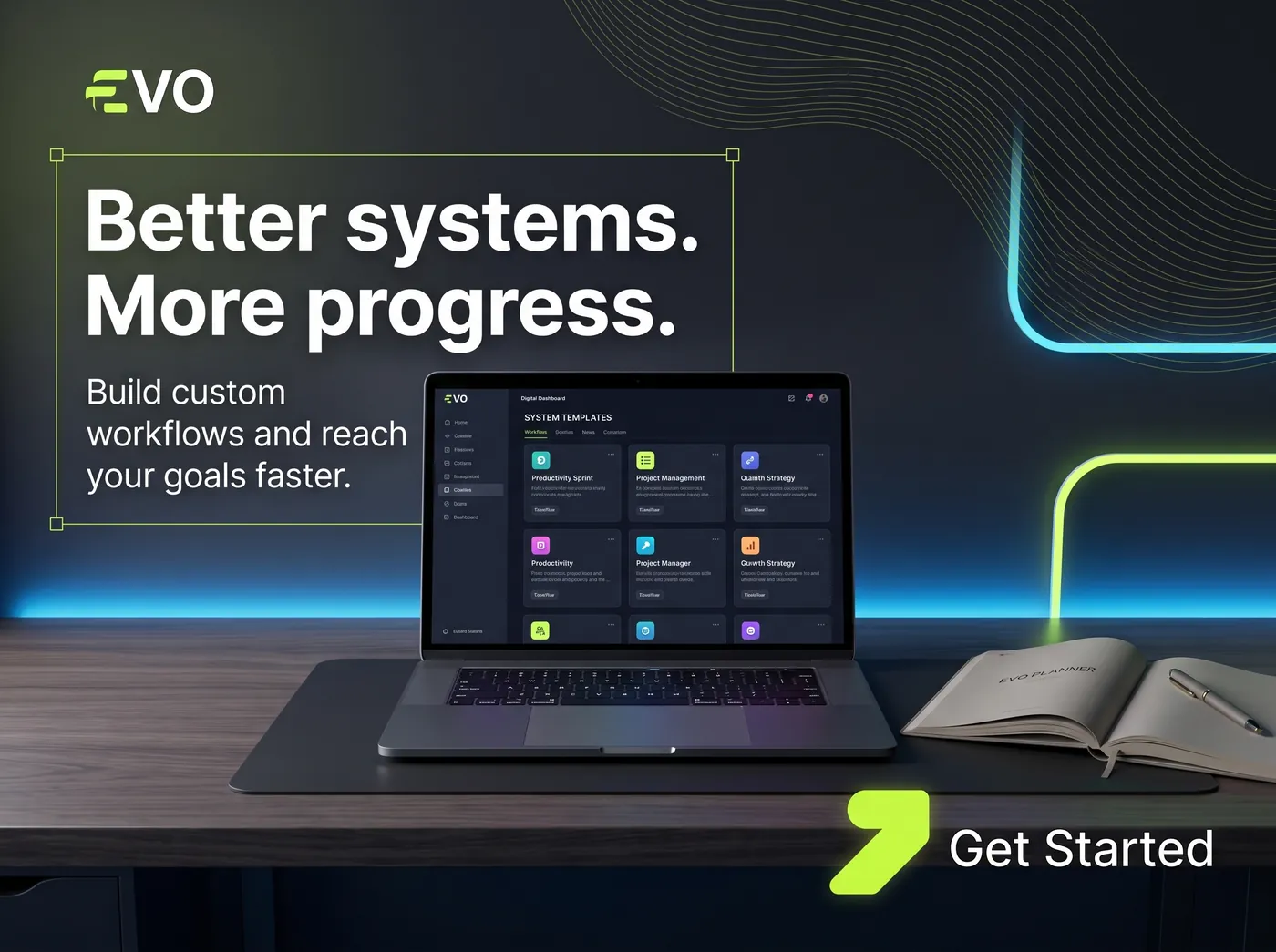
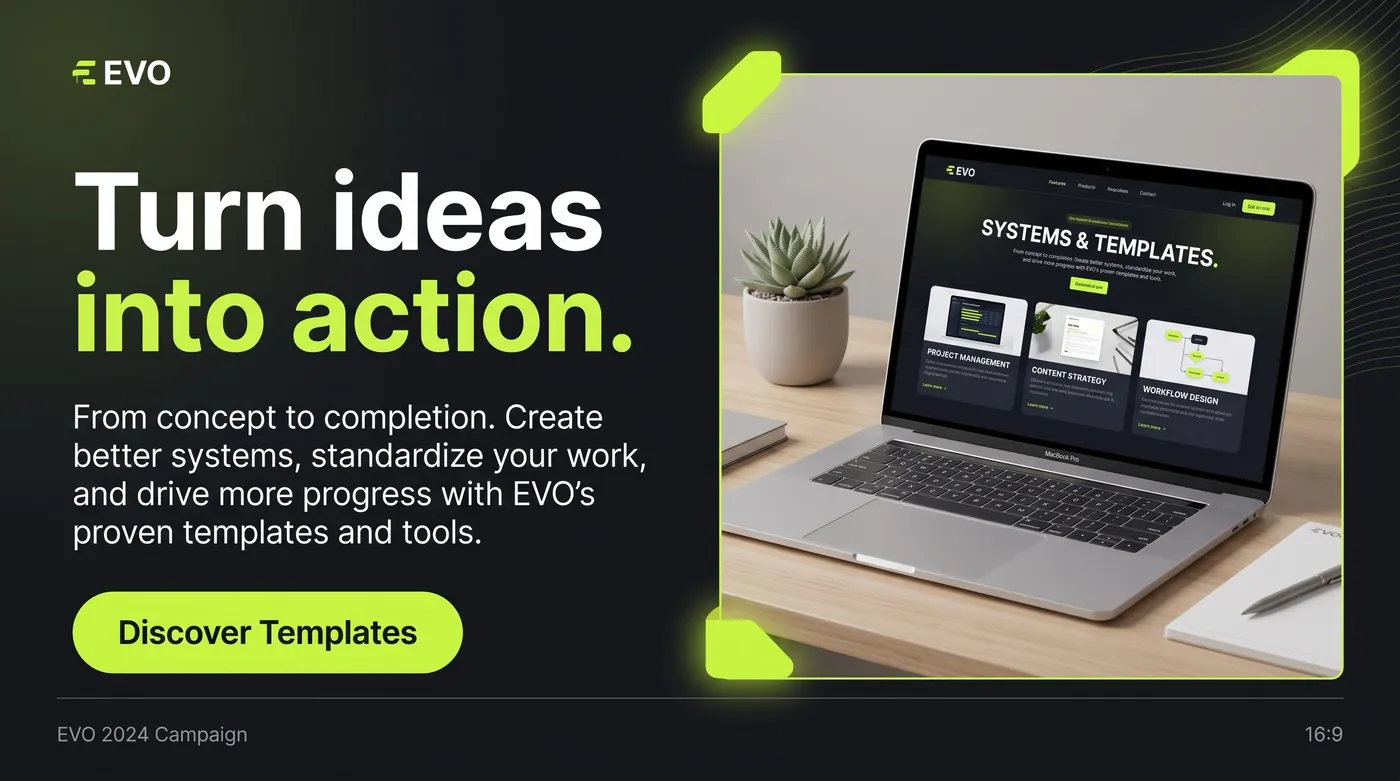
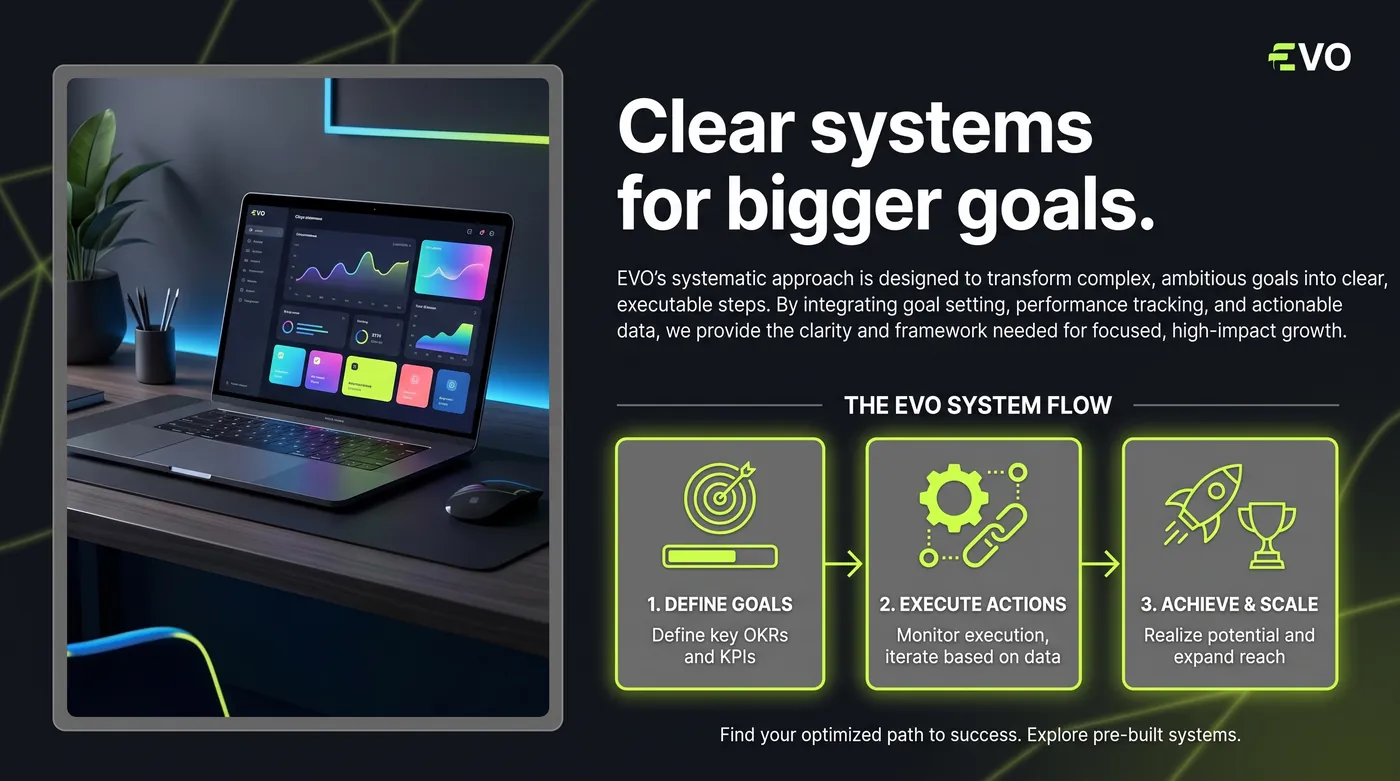
Same brand. Different expressions.
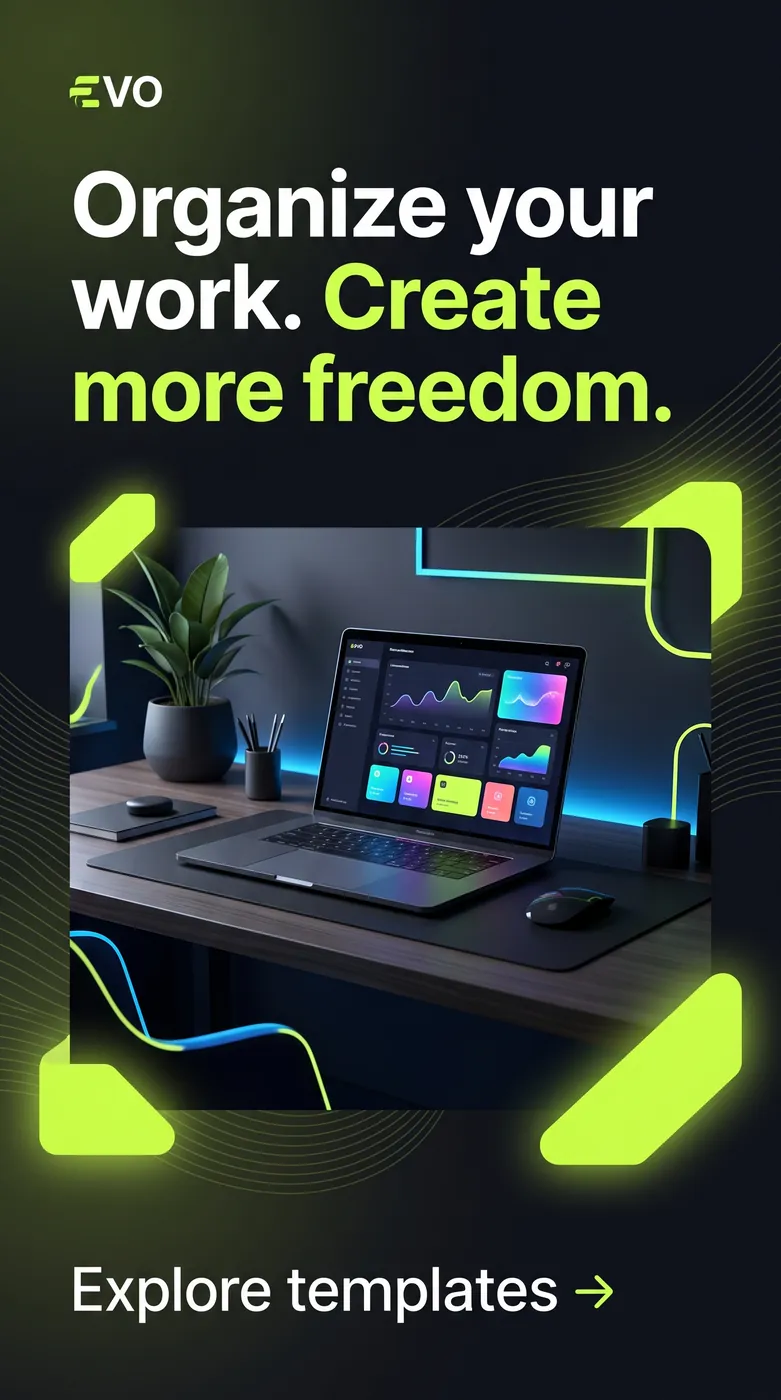
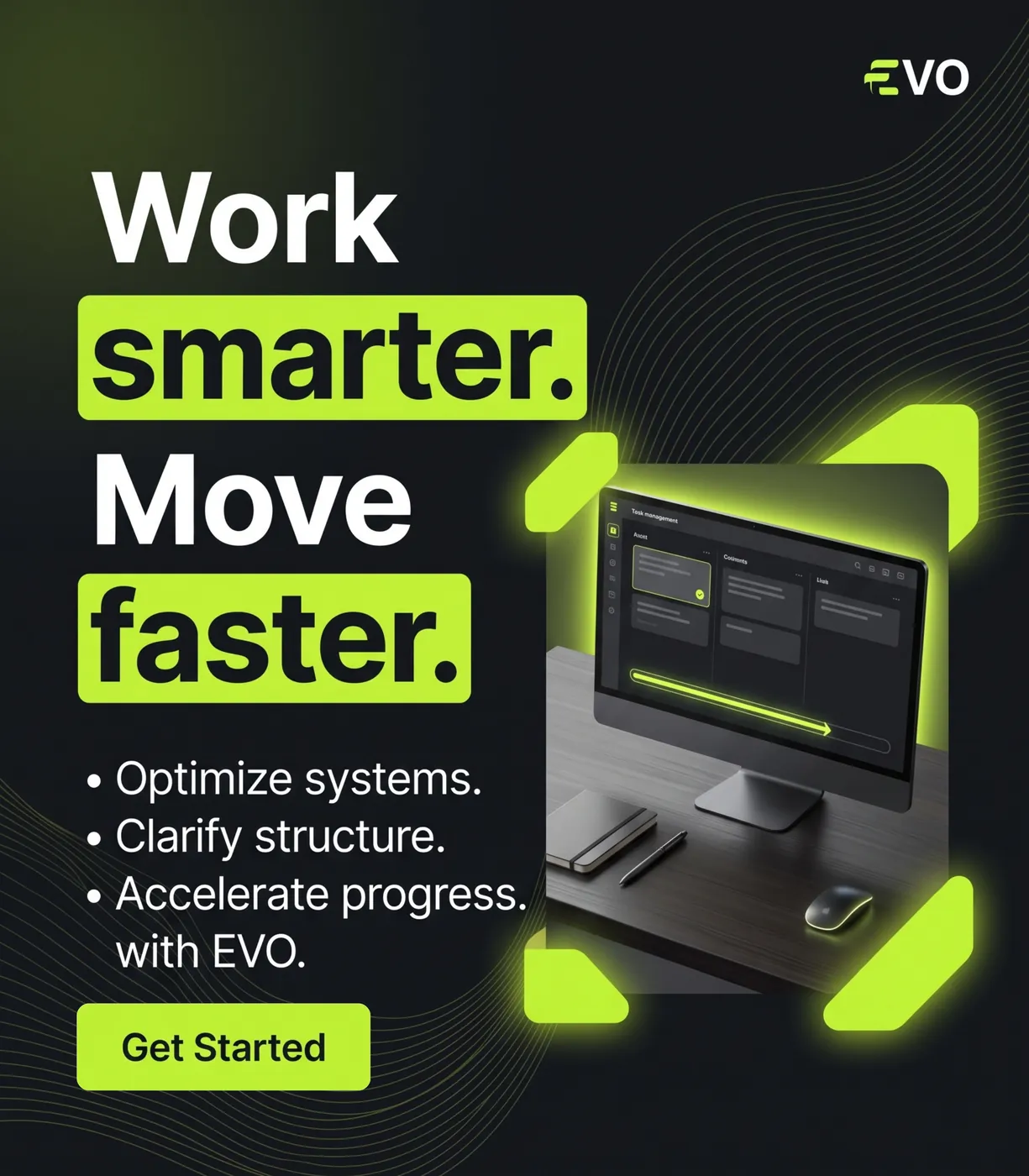
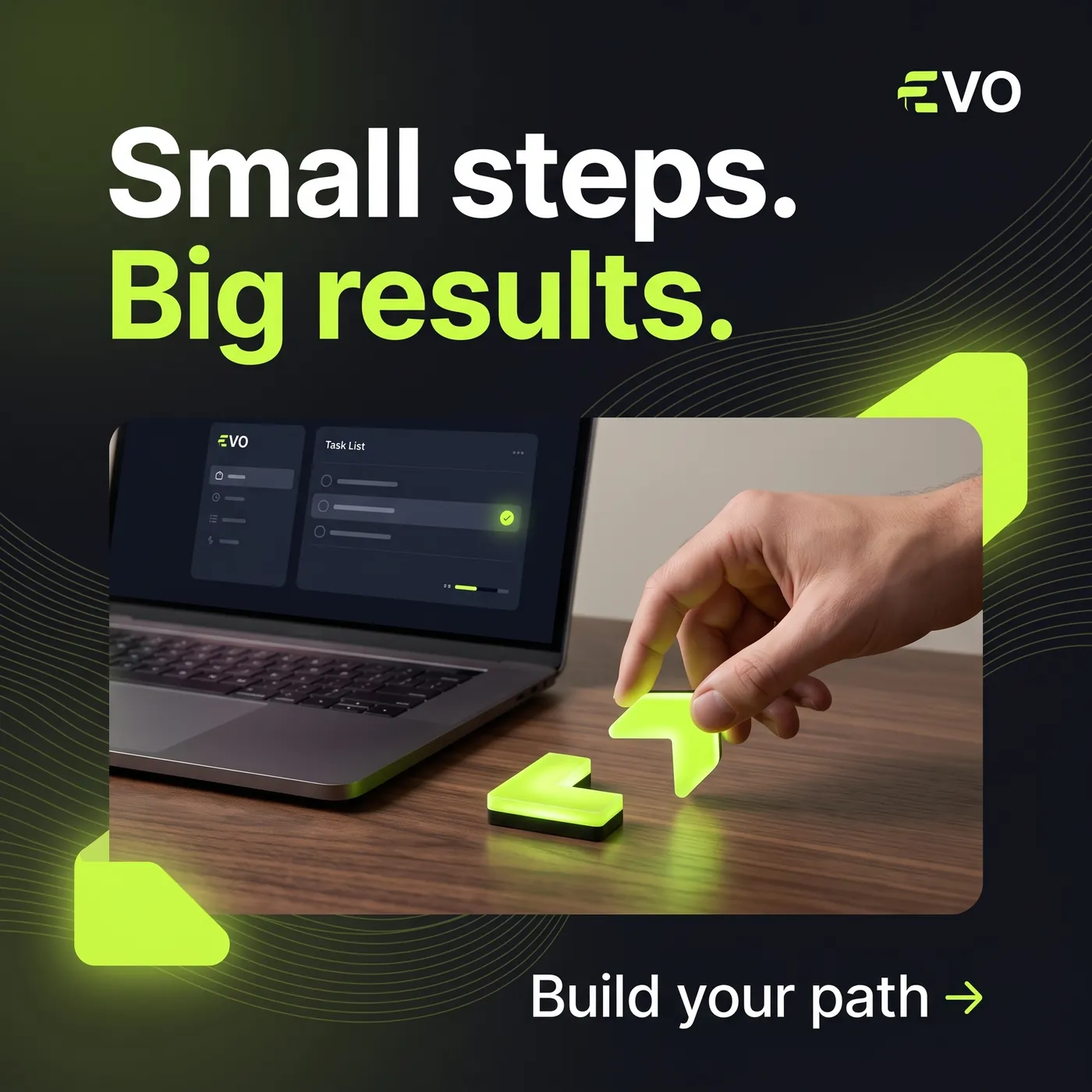
One visual direction
can travel a long way.
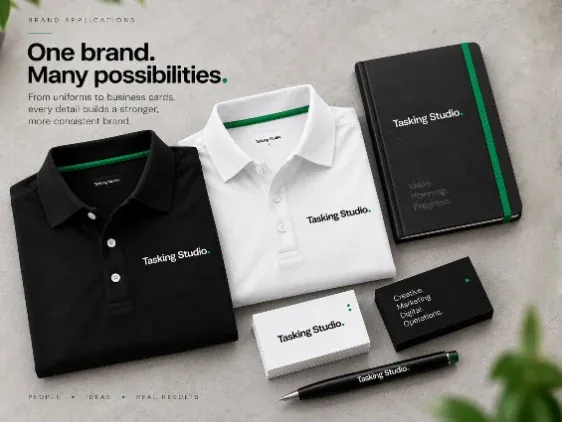
Once the visual direction is clear, Tasking can extend it across the places the business needs to communicate.
One idea. Many useful applications.
TinyAll.app
A visual system built to make digital tools feel simple, recognizable and approachable.
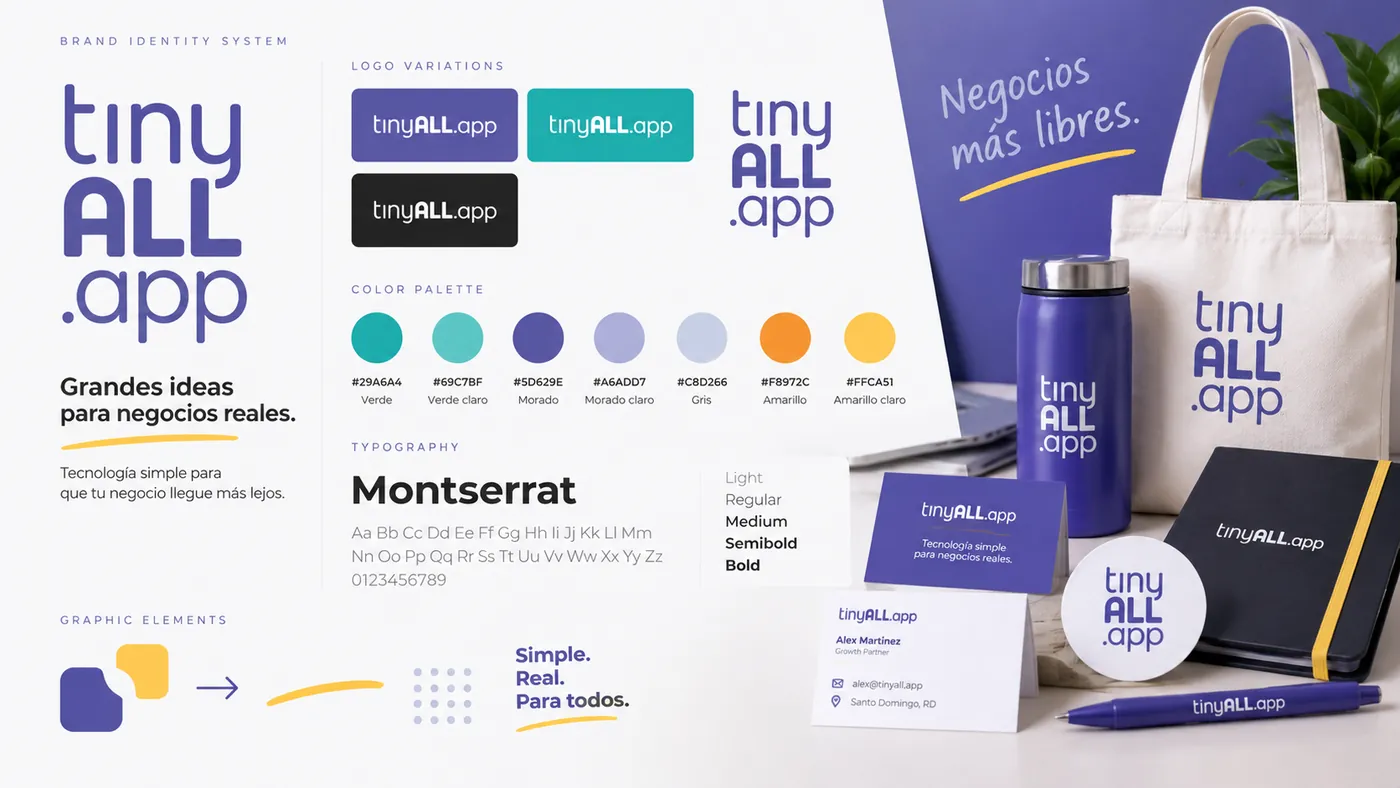
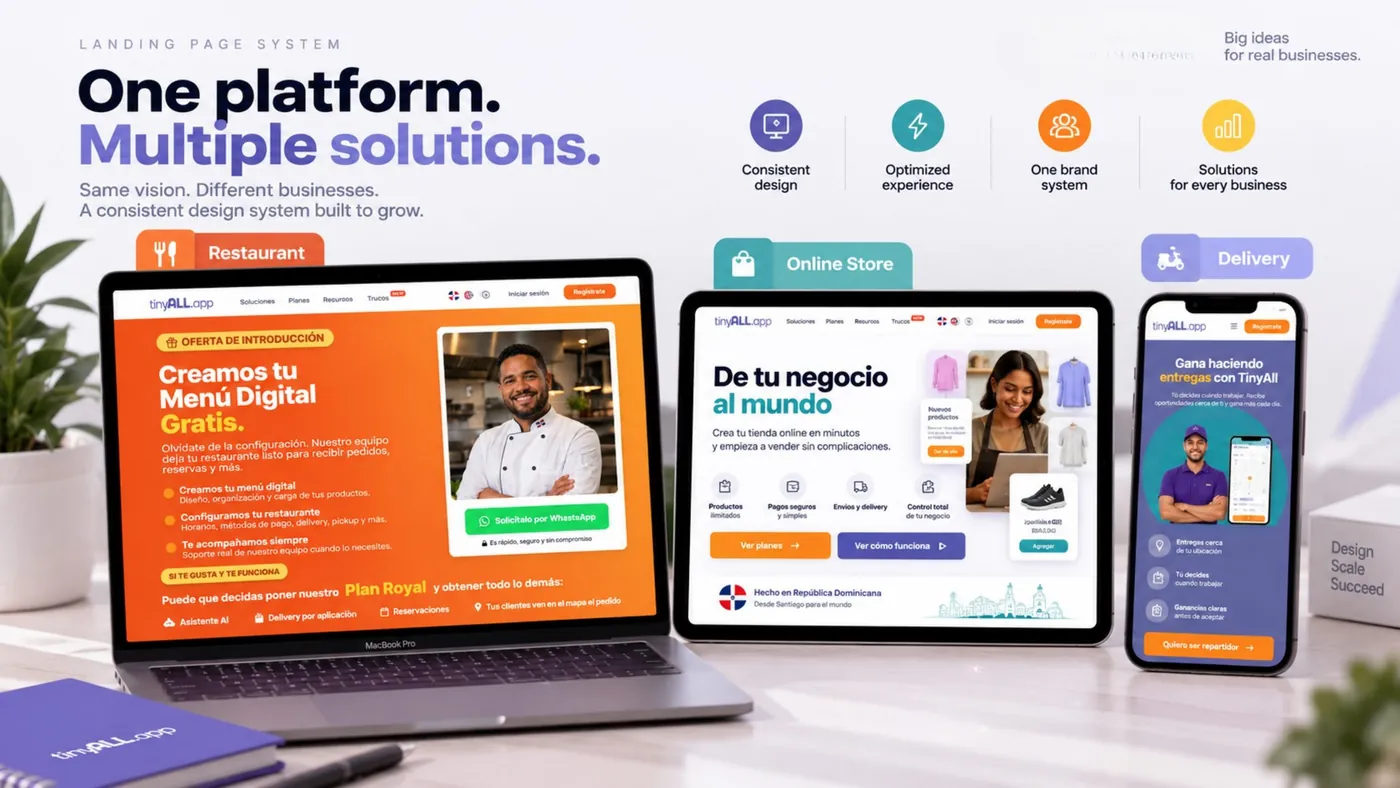
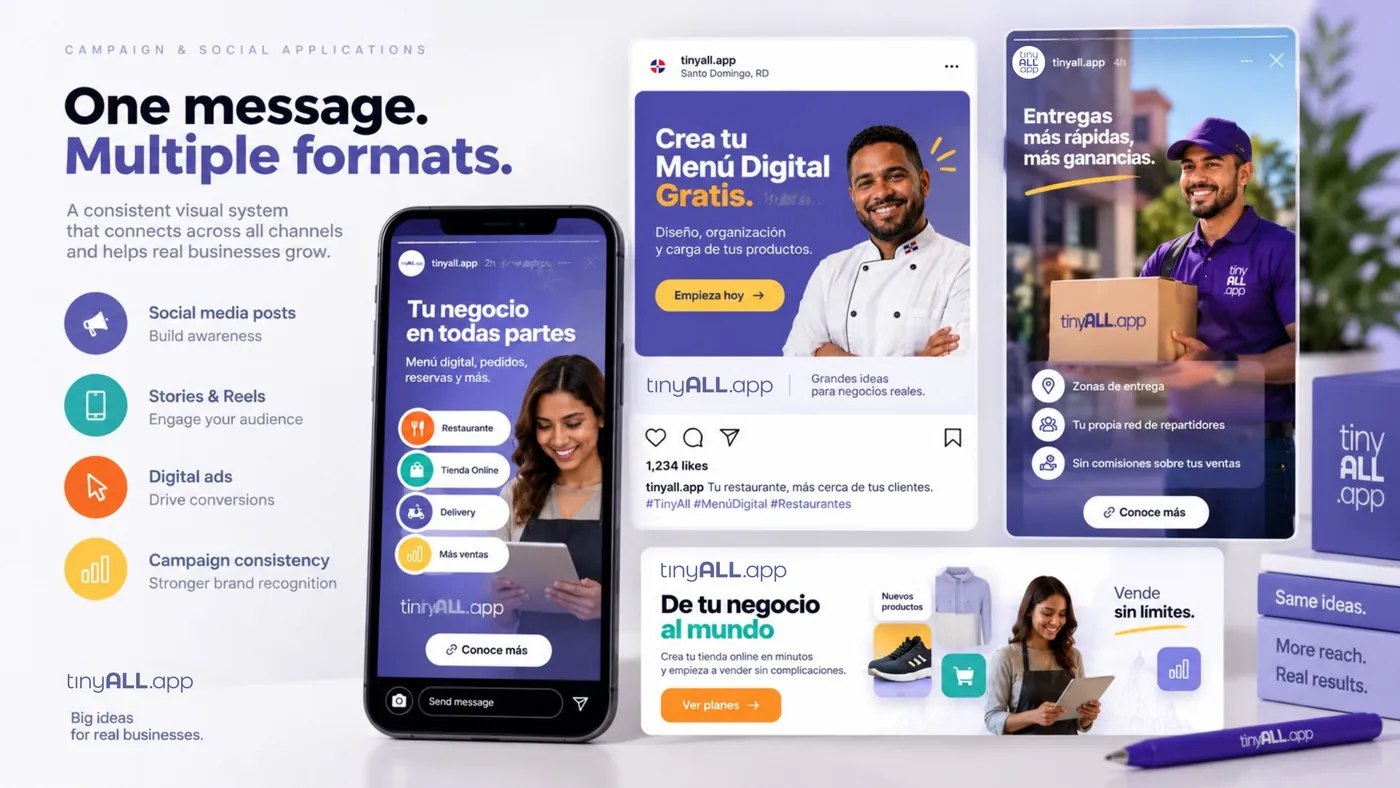
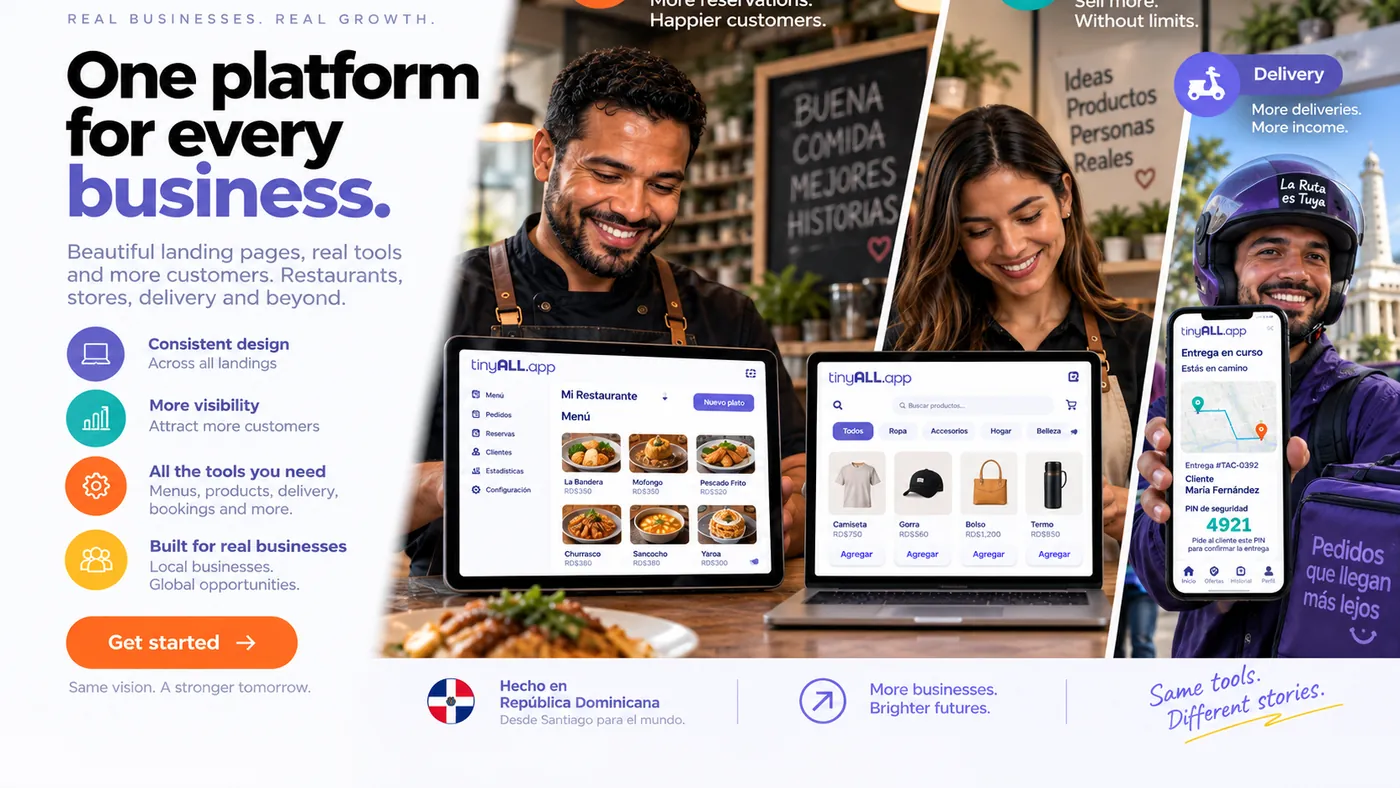
TinyAll needed a visual system capable of supporting a growing digital platform with different solutions for restaurants, online stores, delivery and other business use cases.
The brand had to communicate technology without feeling overly technical, while remaining flexible enough to work across product interfaces, landing pages, social media, campaigns, templates and promotional materials.
The visual direction focused on making TinyAll feel friendly, accessible and easy to understand.
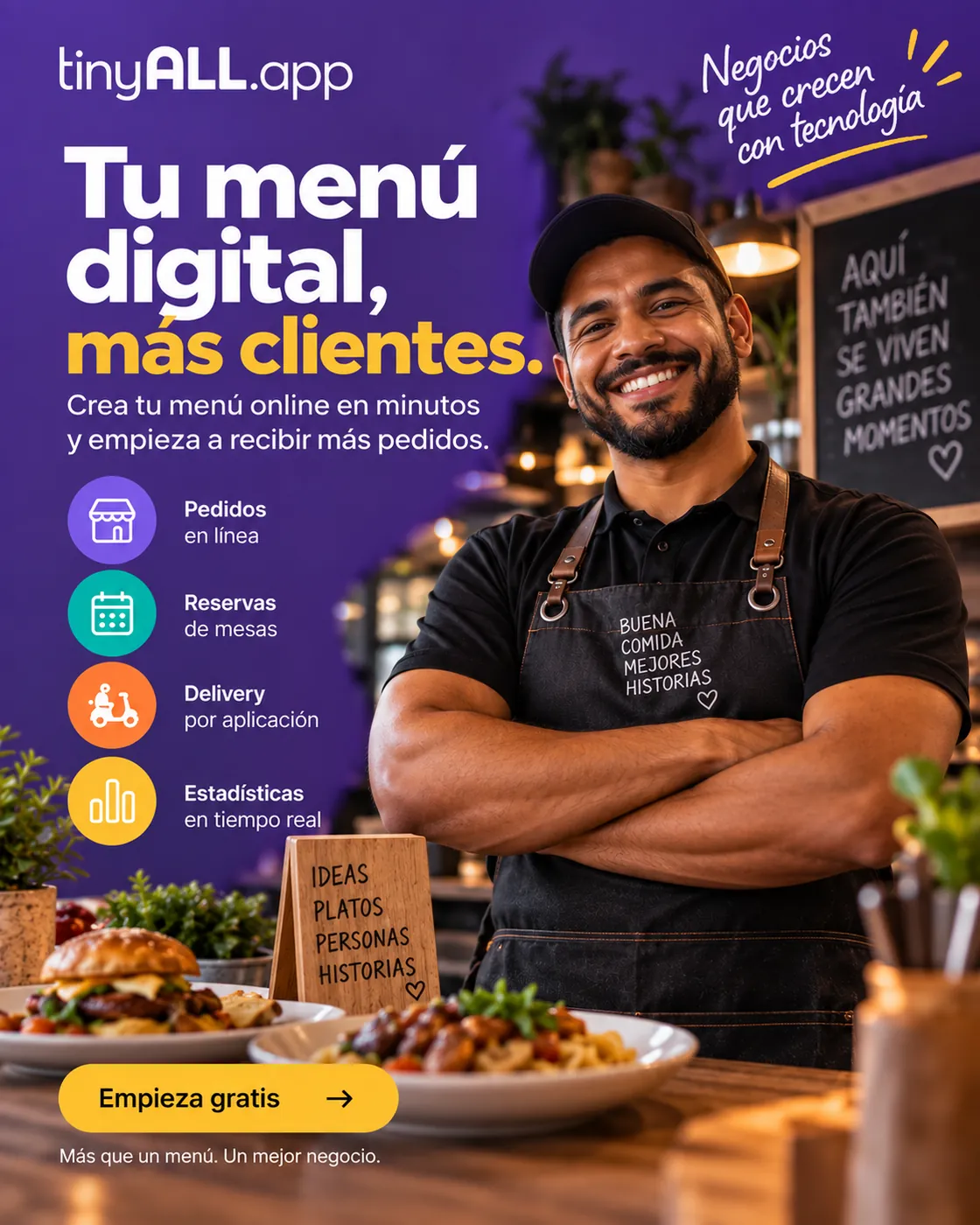
Instead of presenting the brand as a complex technology company, the design uses bold typography, approachable layouts, real business scenarios, clear product visuals and a recognizable color system to help people quickly understand what TinyAll can do for their business.
- A distinctive stacked TinyAll.app logo.
- Montserrat as the primary typeface.
- A purple-led color system supported by lavender, turquoise, yellow, orange, white and neutral tones.
- Bold headlines and clear information hierarchy.
- Rounded interface elements and product-focused layouts.
- Realistic business, restaurant, retail and delivery imagery.
- Device mockups that show the product in context.
- Flexible graphic elements that adapt across solutions without losing consistency.
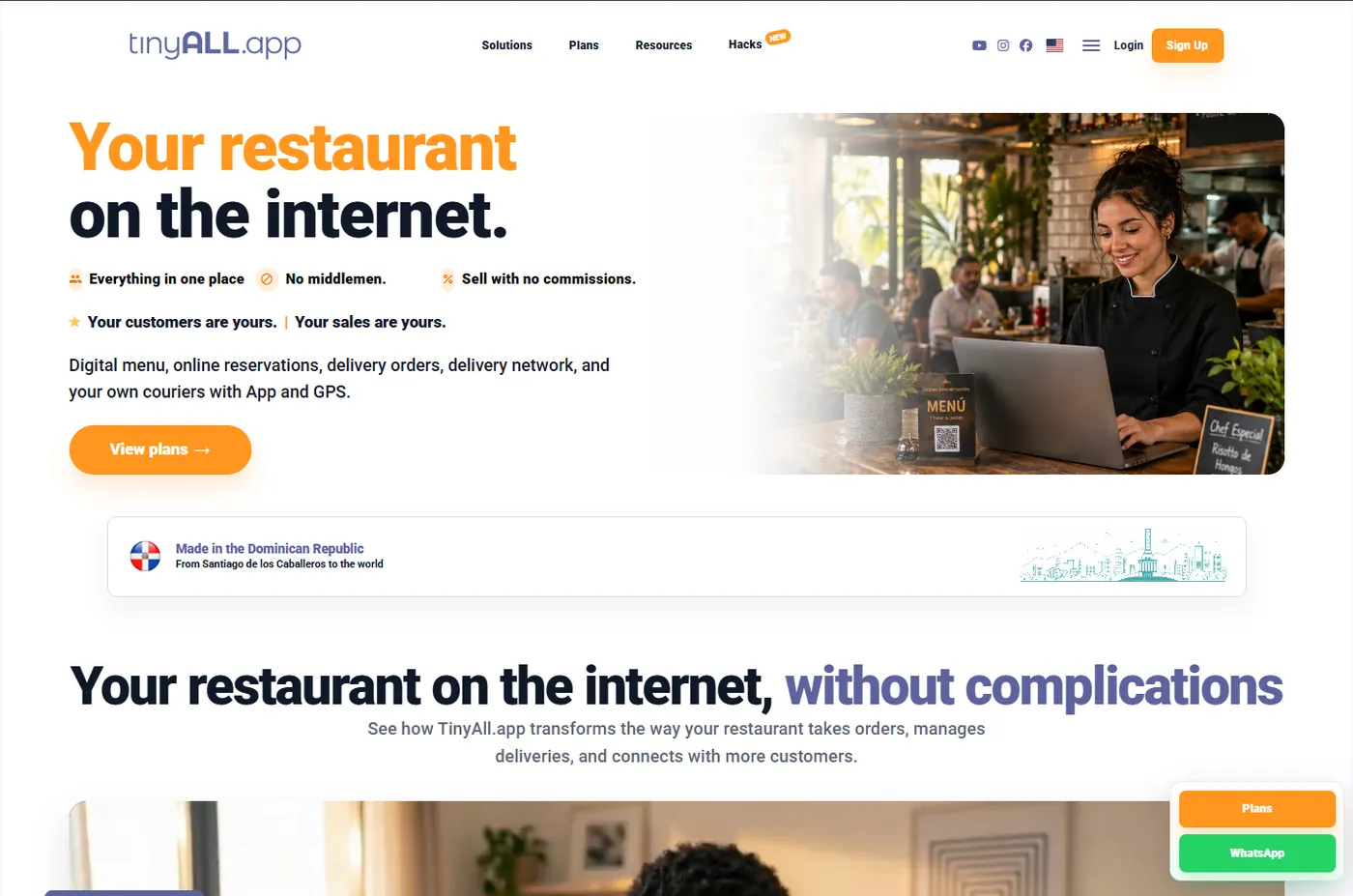
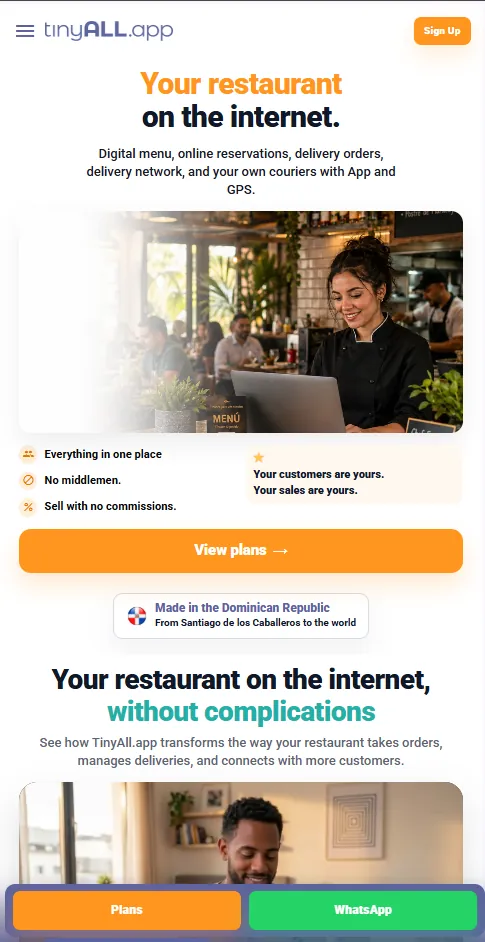
- Restaurant, Online Store and Delivery landing pages.
- Digital menu promotions.
- Social media posts and Instagram Stories.
- Campaign graphics and promotional materials.
- Presentation assets and template systems.
- Mobile and desktop product mockups.
- Royal plan communications.
- Educational and product-explainer content.
Each application can change in composition and emphasis while remaining visually connected to the same TinyAll brand.
TinyAll now has a unified visual language that supports multiple products, campaigns and business categories while keeping the brand recognizable across digital and marketing touchpoints.
The system also gives the team a consistent foundation for creating new landing pages, campaign materials, social content and product communications as TinyAll continues to expand.
Creative works better when it knows where it's going.
Campaign design is stronger when the team understands the offer, audience, landing experience and content surrounding it.
Your visual identity has to survive the content calendar.
A brand may look strong in a presentation but fall apart when it needs dozens of posts, reels, stories and campaign pieces. We design systems that can keep working after launch.
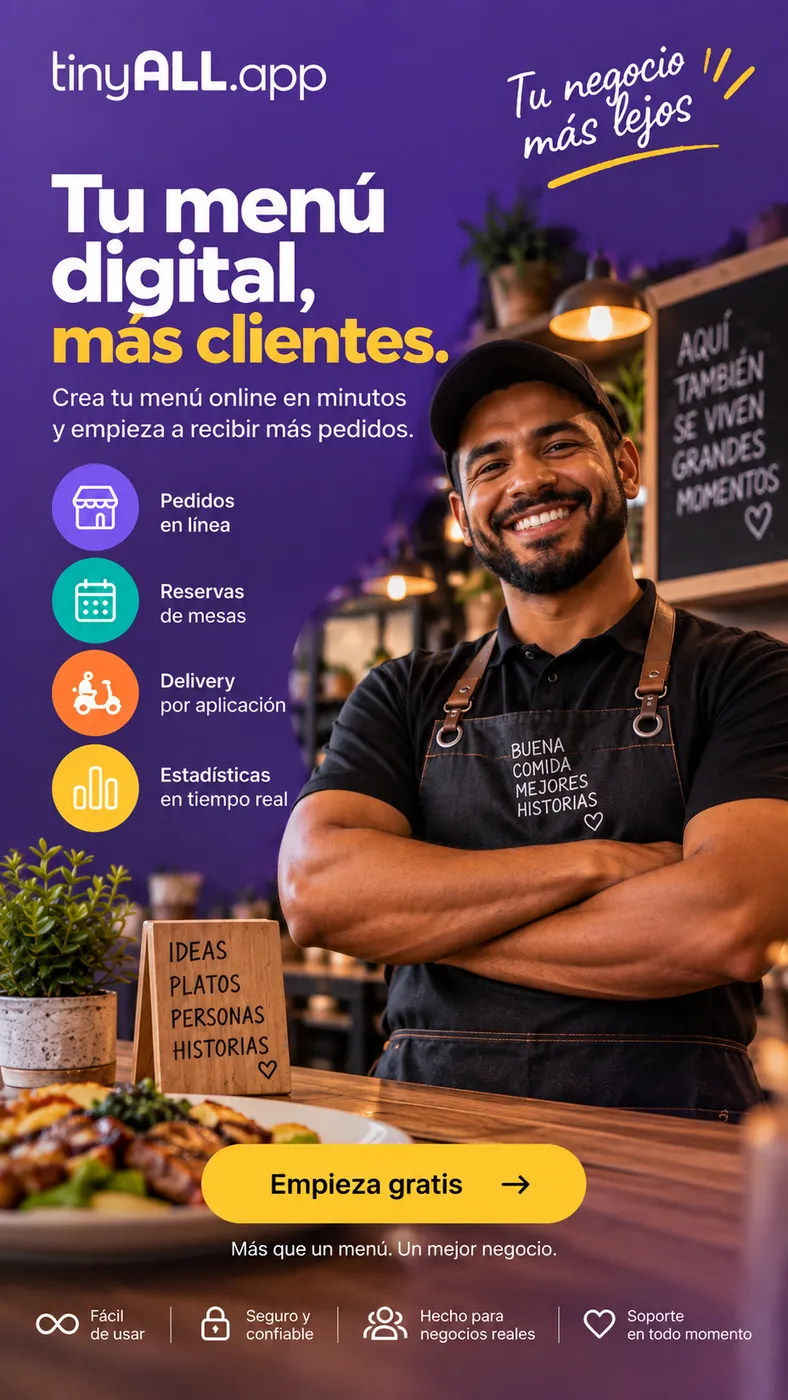
The identity shouldn't stop where the website begins.
Tasking can carry the visual language into websites and landing pages so brand, content and digital experience feel like parts of the same business.
Good design still has
to work in the real world.
Before creative work is delivered or published, we review the details that can make a polished design feel unfinished.
Creative quality includes production quality.
The people
shaping the visual work.
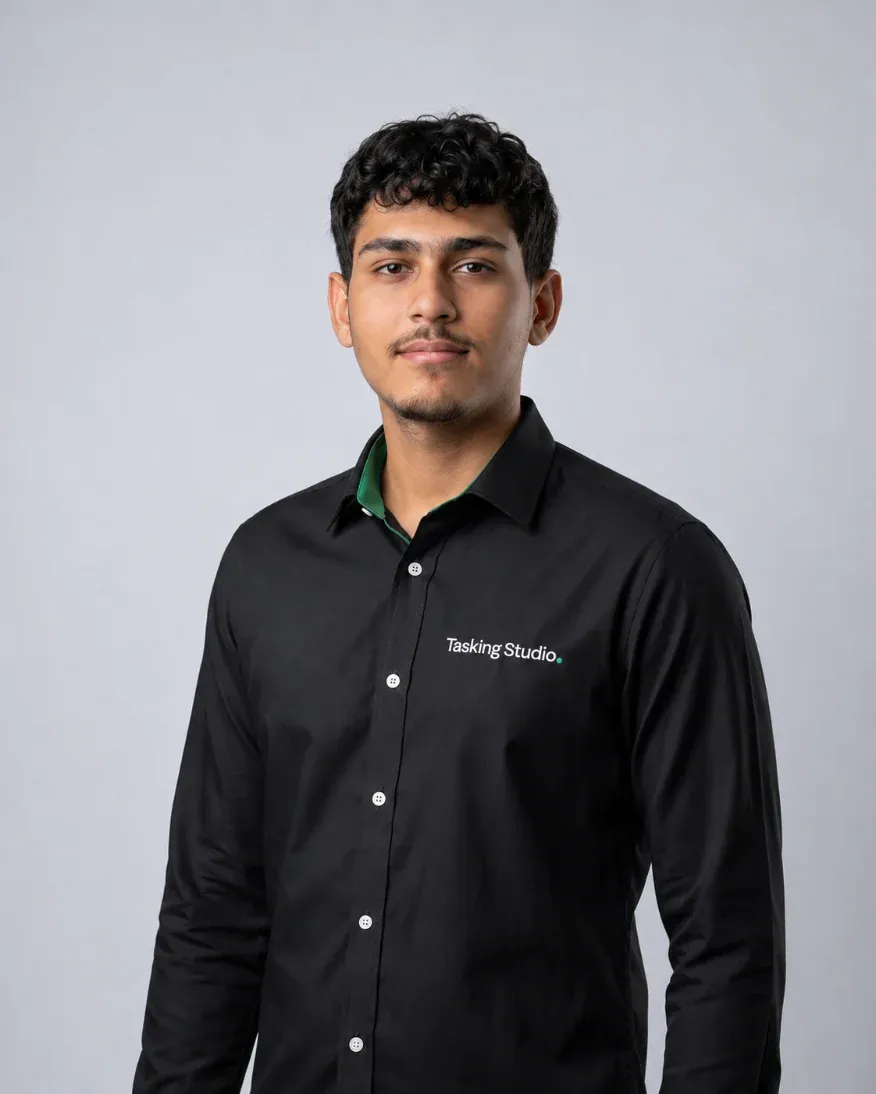
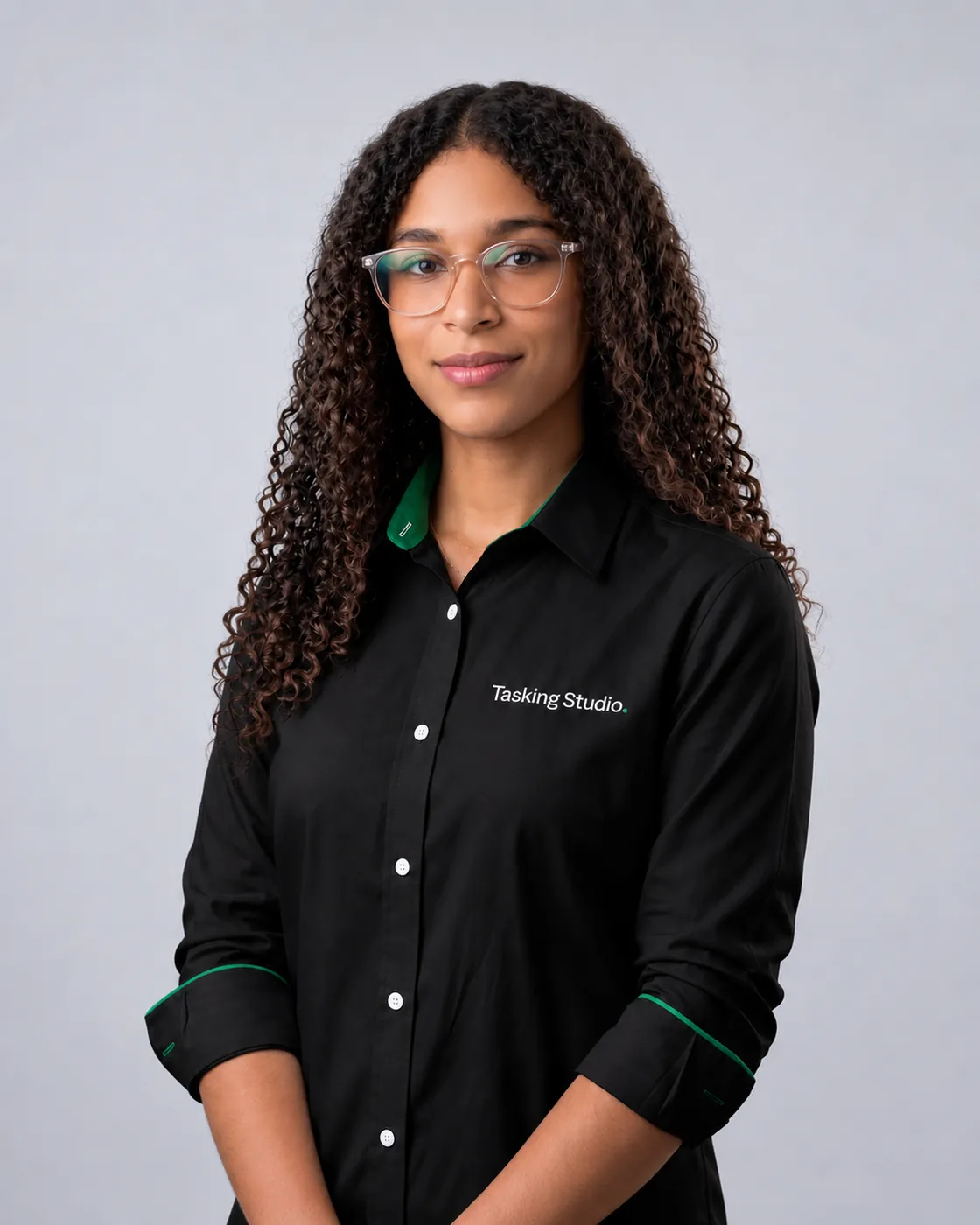
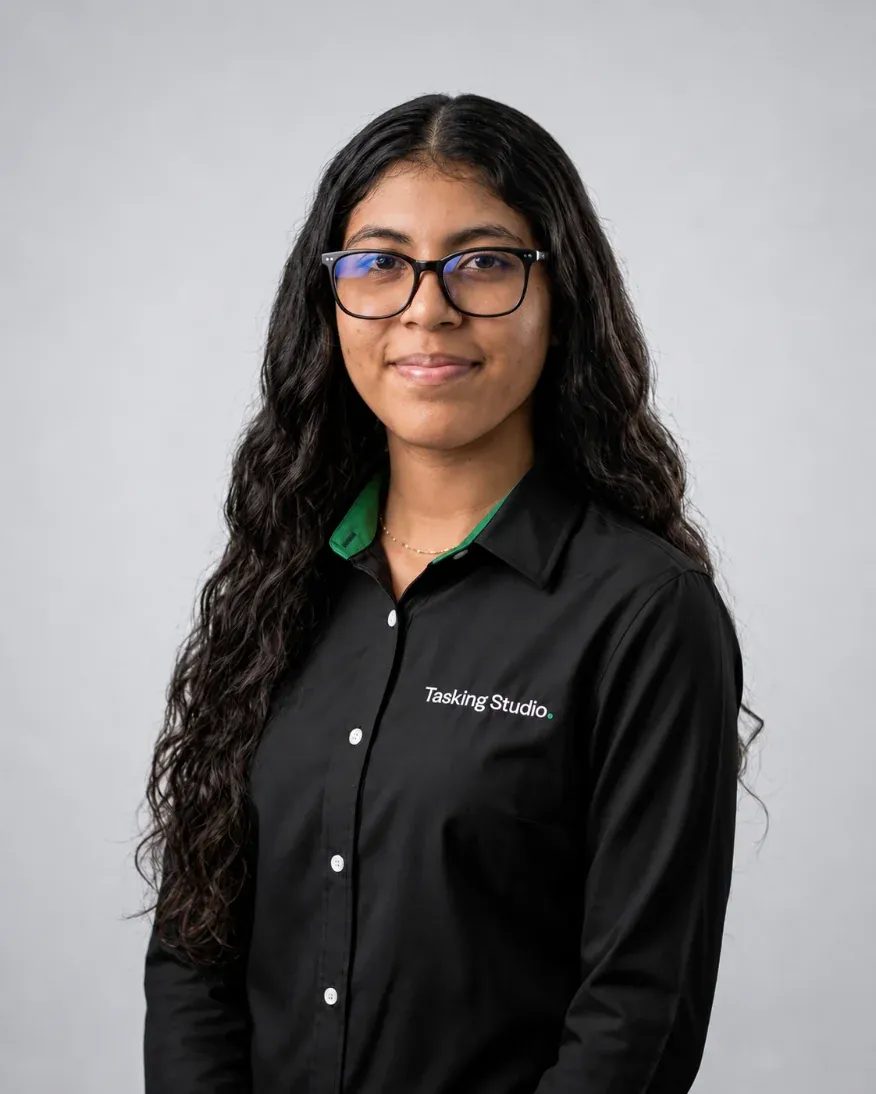
Different design needs can bring together brand thinking, graphic design, content, Figma, web and production skills.


Need a new identity
or just more design capacity?
Tasking helps establish or evolve the visual direction.
Your team has the brand. Tasking helps produce the assets it needs.
Tasking creates the creative system and campaign deliverables.
Tasking supports recurring content production.
Brand, campaigns, content and digital design can work together through one team.
Use the design support the work actually needs.
Make it clear.
Make it recognizable.
Make it useful.
Strong design should help the business communicate — not create more complexity around the message.
The work should look good.
But it should also know what it's doing.
Build the system.
Create the assets.
Keep the brand connected.
Design with a purpose.
What needs to be designed?
Tell us whether you're building a brand, launching a campaign, producing recurring content or simply need stronger design support. We'll help define what the project needs.